

LG DUALCOOL · 7 creatives
View all 7 LG DUALCOOL creatives

Client case · KH Installaties
A strong website is the beginning. For KH Installaties, I also built the funnels, CRM and mobile app. SEO and Facebook ads bring people in, while the system helps organise the work behind the scenes.
01 · The brief
The starting point was a website whose visibility and SEO did not adequately reflect the business. The task: build a professional online foundation where KH Installaties can clearly present its services and receive enquiries.
It did not stop there. I developed the journey further: from search result or ad to a focused enquiry, and from that enquiry to follow-up, invoicing and work on site.
02 · The online foundation
On the main website, visitors find the offer and information to make a choice. The funnels connect a specific campaign to an enquiry. Two different entry points with the same recognisable identity.
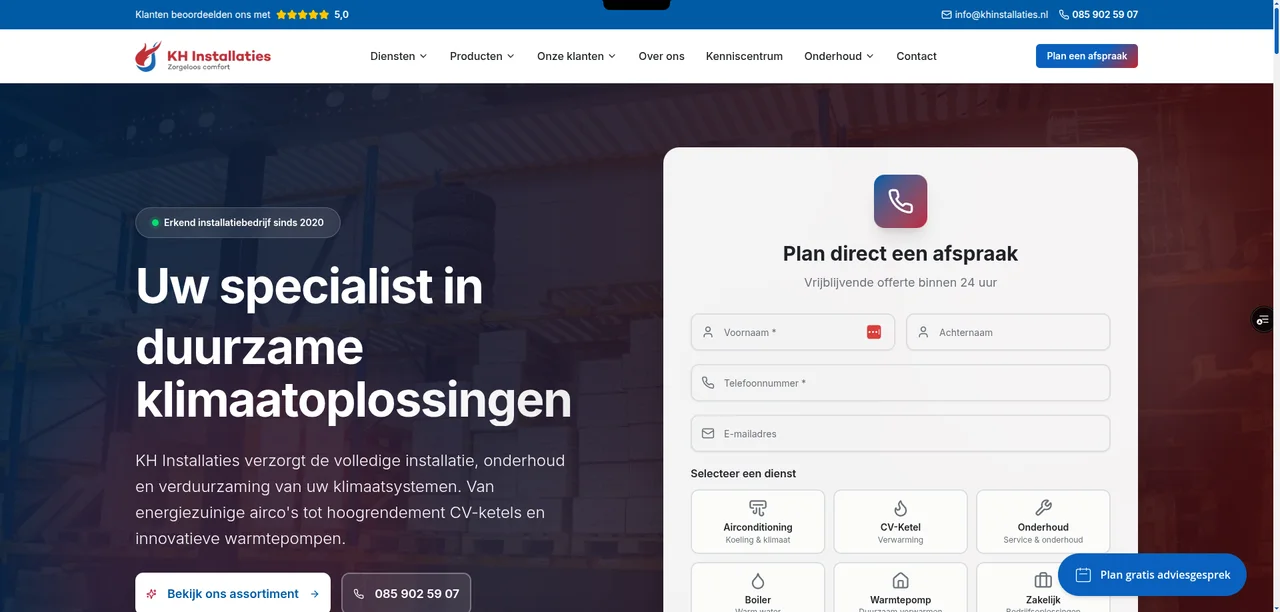
Services, products, a knowledge centre and the ability to enquire directly. The website forms the central online foundation.
View the website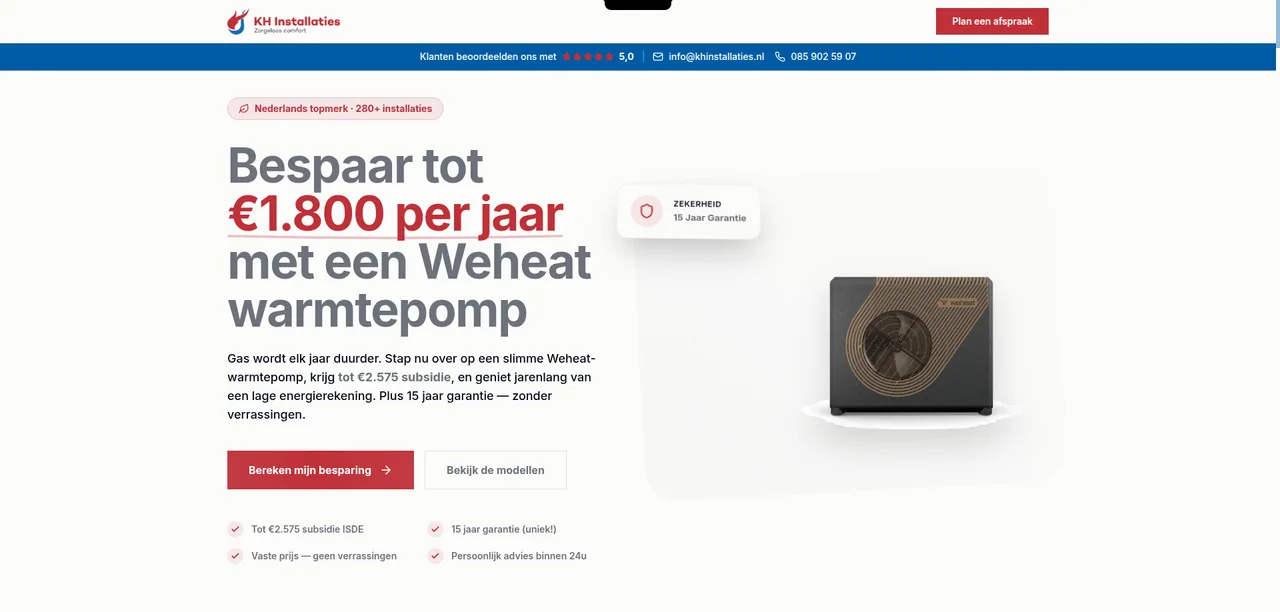
A separate funnel environment. This supplied Weheat page focuses on the product and the enquiry.
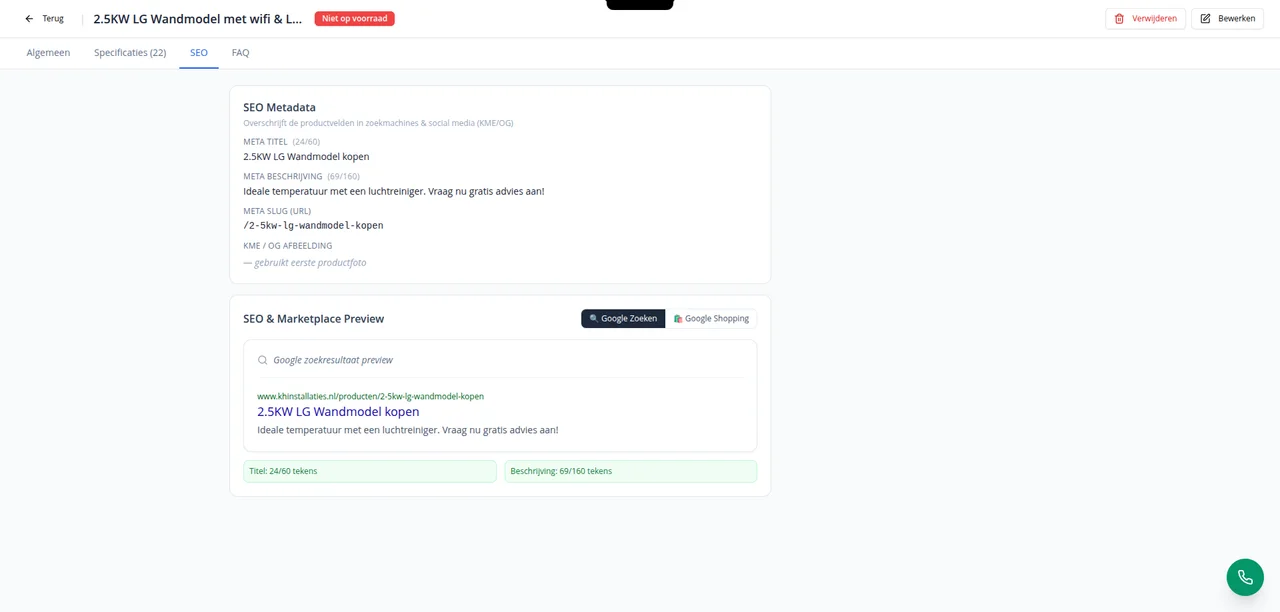
View the funnel environmentEach product has editable meta title, description and URL slug fields. A preview shows how the information might appear in a search result.
The supplied screen shows product management for an LG wall-mounted unit, including SEO metadata and a Google preview. This is an administration view, not a guarantee of a specific search position.
03 · Organic visibility
The supplied Search Console screenshots show how often KH Installaties appears in Google and how many visitors click through. Below are the three selected periods, with all four main metrics.
| Selected period | Clicks | Impressions | Avg. CTR | Avg. position |
|---|---|---|---|---|
| 6 months13 Apr – 12 Oct 2026 | 10.9K | 707K | 1,5% | 16,5 |
| 3 months13 Jul – 12 Oct 2026 | 5.42K | 405K | 1,3% | 18 |
| 28 days15 Sep – 12 Oct 2026 | 2.17K | 157K | 1,4% | 13 |
K = thousand; values are rounded as in the dashboard. CTR is the share of impressions that lead to a click. The periods overlap and are not added together. No comparable baseline was supplied, so no calculated growth percentage is shown.
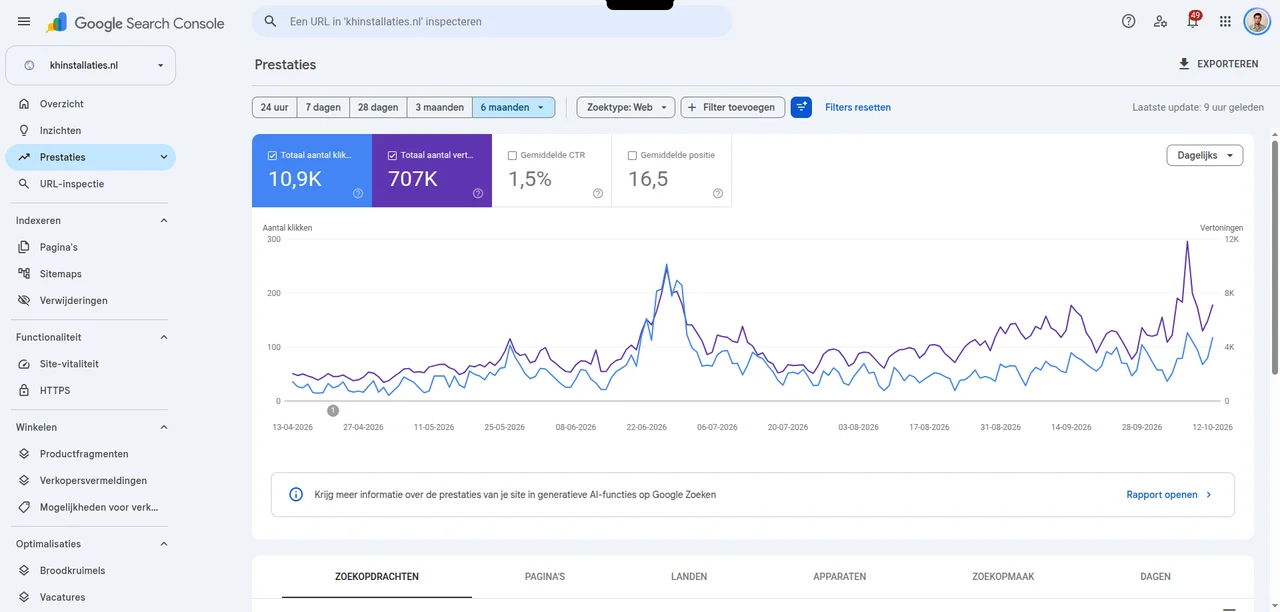
13 April – 12 October 2026. The blue line shows clicks; the purple line shows impressions. The figures are also available as text in the table above.
Open full-size Search Console screenshot (new tab) ↗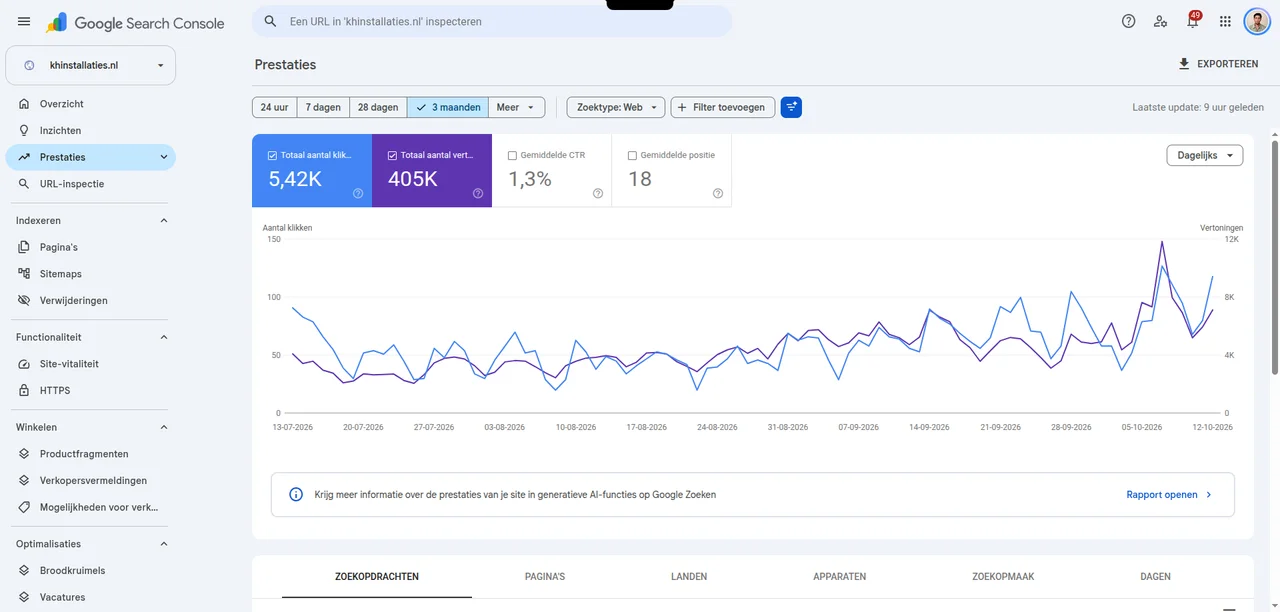
13 July – 12 October 2026: 5.42K clicks, 405K impressions, 1.3% CTR and average position 18. The lines show higher peaks in September and October.
Open full-size three-month screenshot (new tab) ↗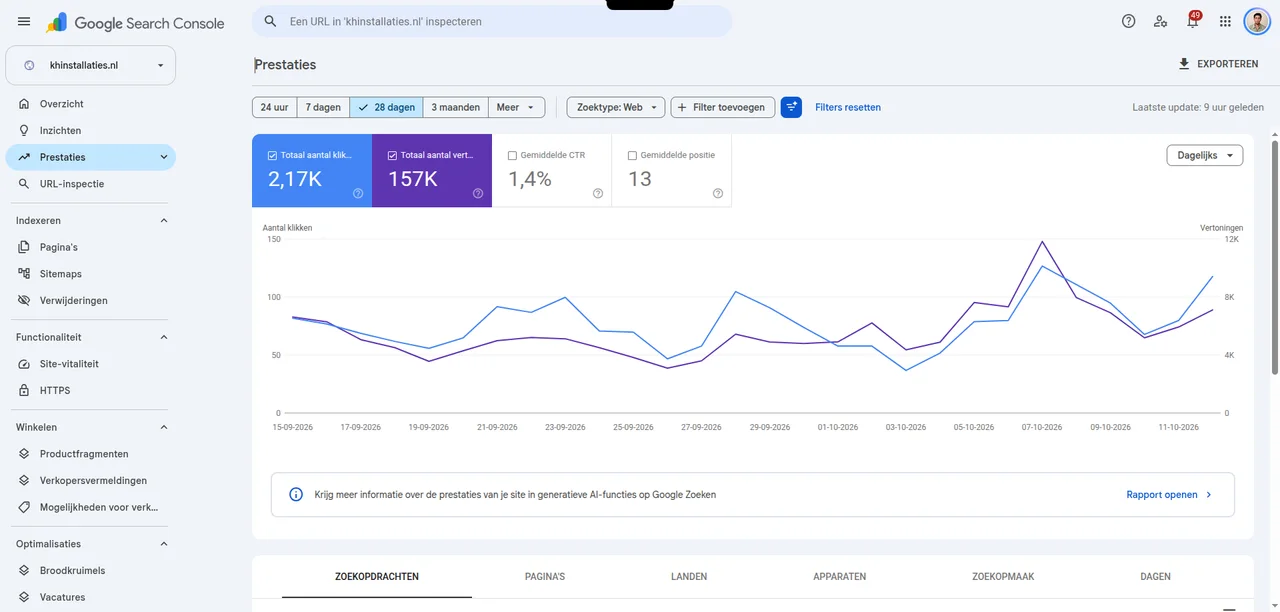
15 September – 12 October 2026: 2.17K clicks, 157K impressions, 1.4% CTR and average position 13. Clicks and impressions fluctuate, with the highest peak around 7 October.
Open full-size twenty-eight-day screenshot (new tab) ↗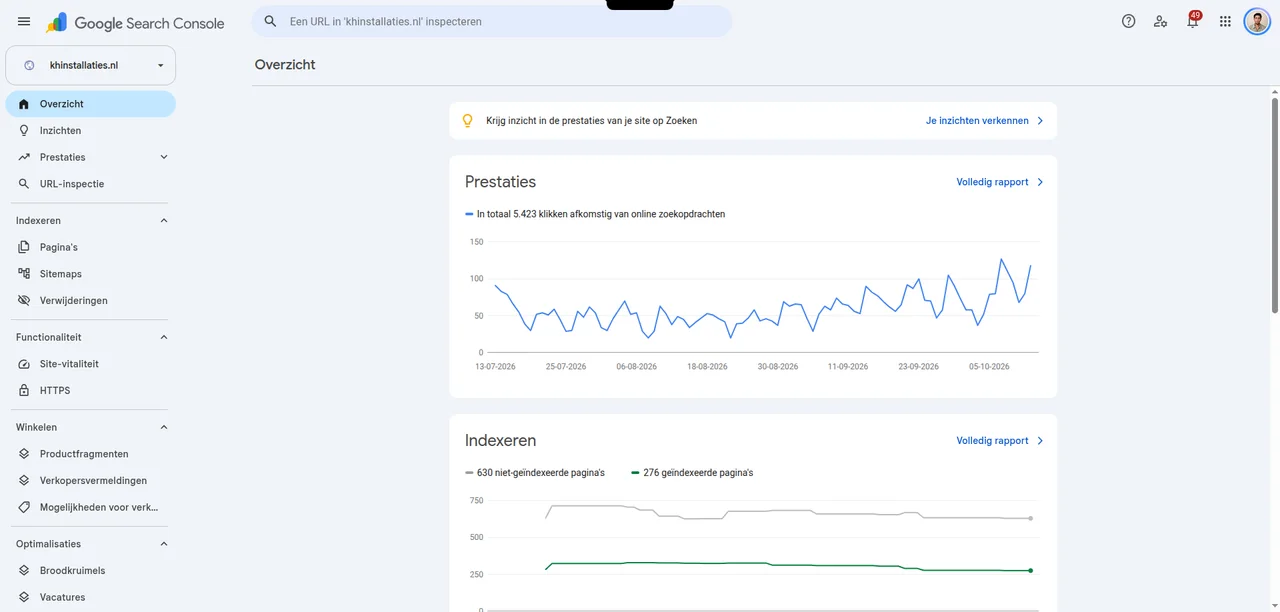
The overview shows 5,423 clicks, 276 indexed pages and 630 non-indexed pages. Not every URL needs indexing; the reasons are not visible in this image.
Open full-size overview and indexing screenshot (new tab) ↗04 · The system behind the enquiry
For KH Installaties, I built a custom CRM with opportunities and invoicing. The work after the enquiry has its own place too: customer information, follow-up and execution.
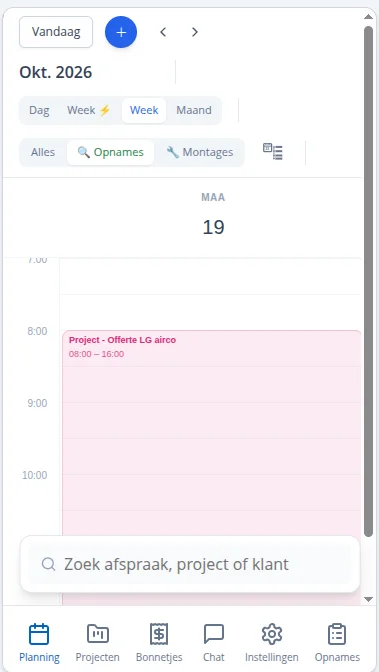
The mobile project screen brings the site survey and project file together. Staff have project information at hand, with access to scheduling, projects and receipts.
The CRM in pictures
Four screens from the KH Installaties workspace: enquiry follow-up, the customer file, modules and service board. Customer details are obscured in the supplied images.

From a new lead to a conversation, follow-up and a scheduled appointment. The columns show each enquiry's stage.
Open full-size opportunities & follow-up screenshot (new tab) ↗
Customer information, appointments and contact history together. This screen provides access to quotes, invoices, projects, work orders and survey forms.
Open full-size customer file screenshot (new tab) ↗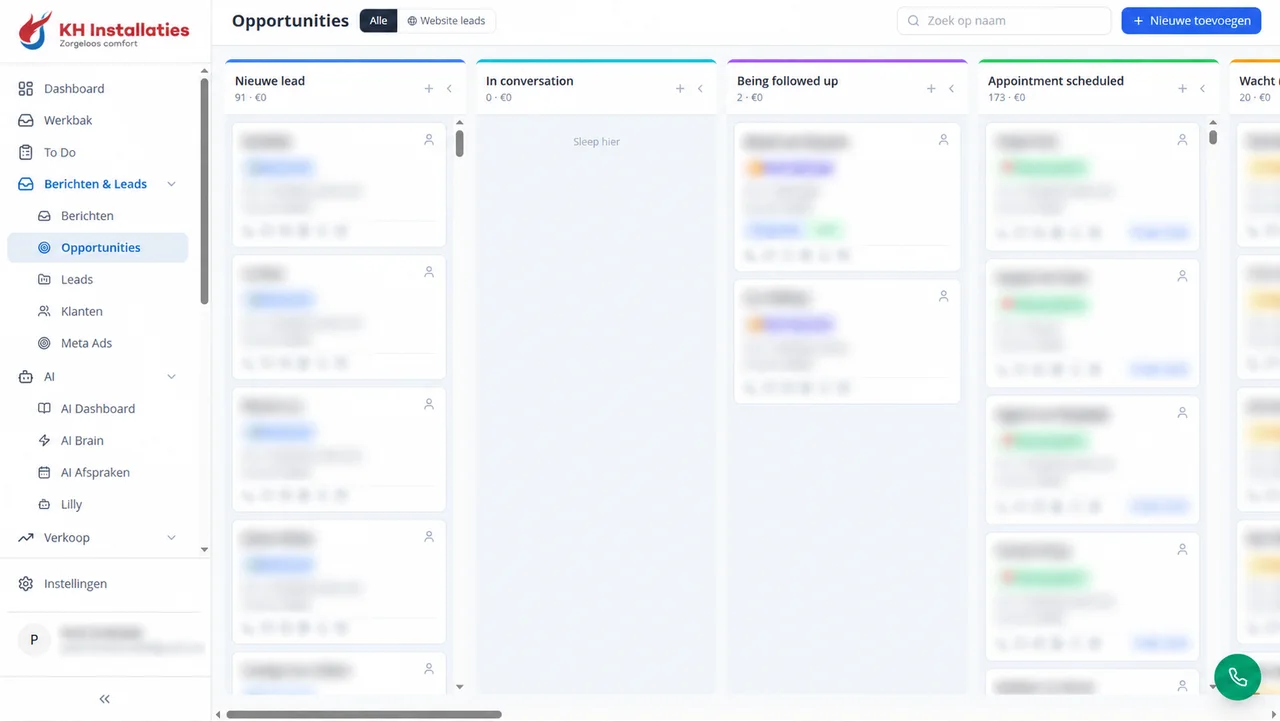
The opportunities board alongside navigation for customer management, sales and AI modules, including AI Dashboard, AI Brain, AI Afspraken and Lilly.
Open full-size modules screenshot (new tab) ↗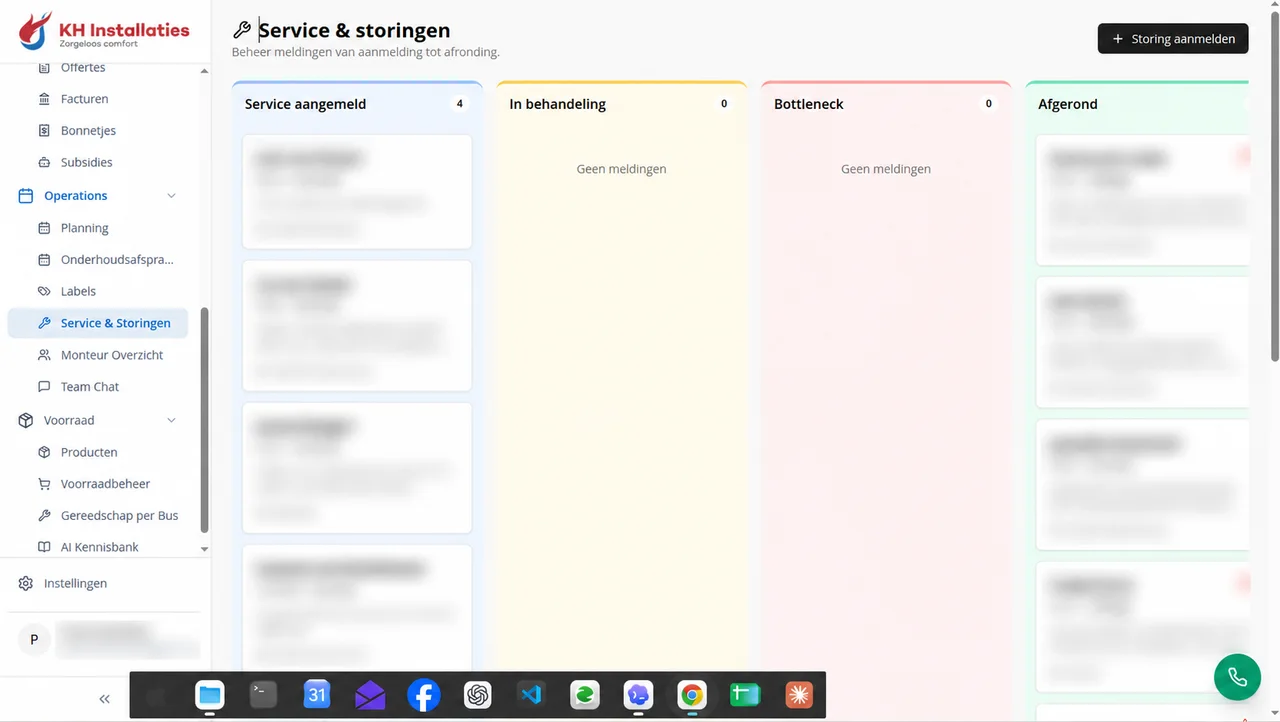
Work stays visible after installation too. A separate board organises issues from reported and in progress to bottleneck and completed.
Open full-size service & faults screenshot (new tab) ↗The mobile app in pictures
Six screens show how scheduling, projects and surveys connect to the work order, handover check and completion. The first two images were edited to obscure personal details and private photos.
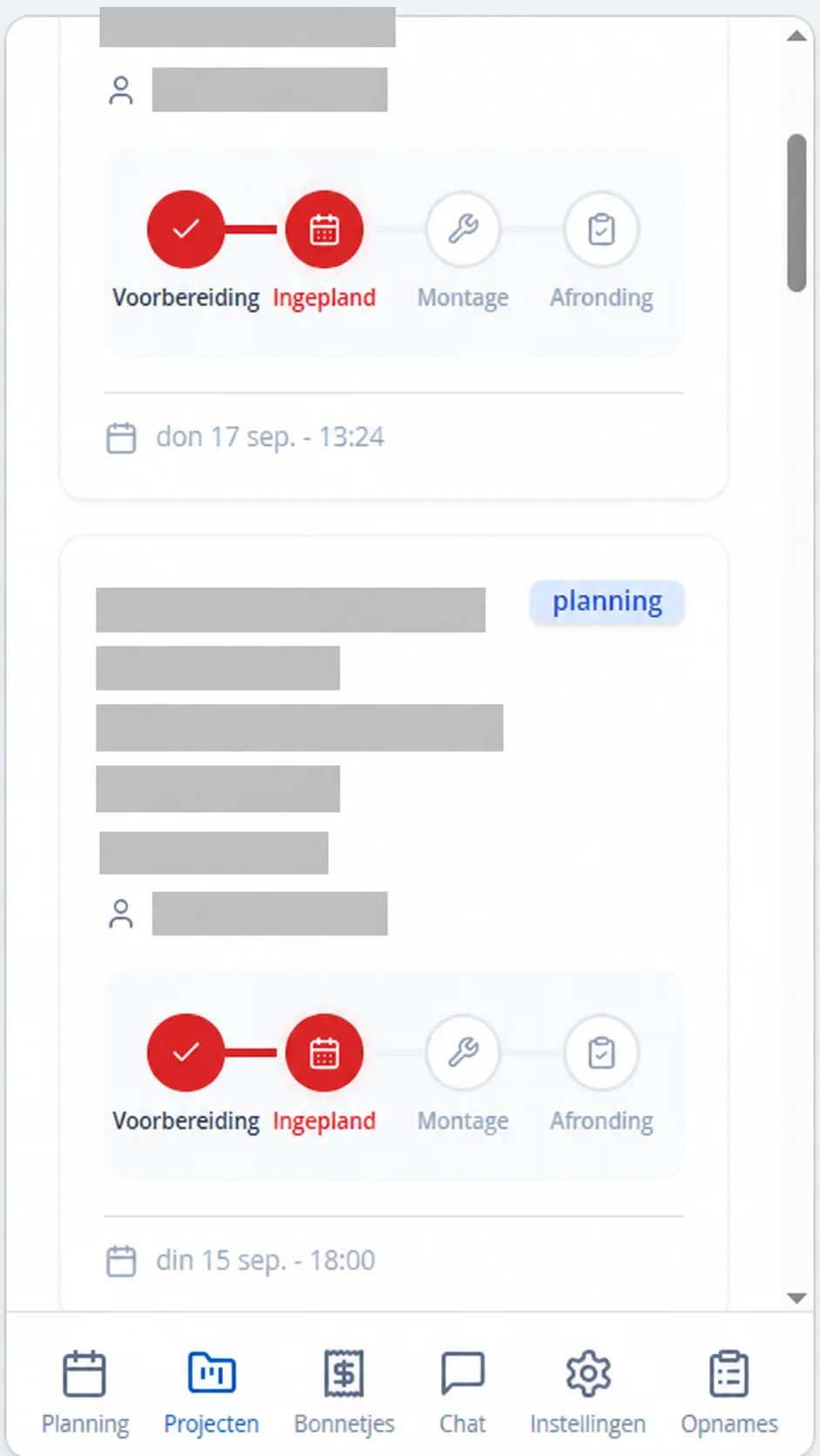
Each project shows preparation, scheduling, installation and completion. Customer and address details are obscured for this case study.
App screenshot edited for privacy.
Open full-size projects & progress screenshot (new tab) ↗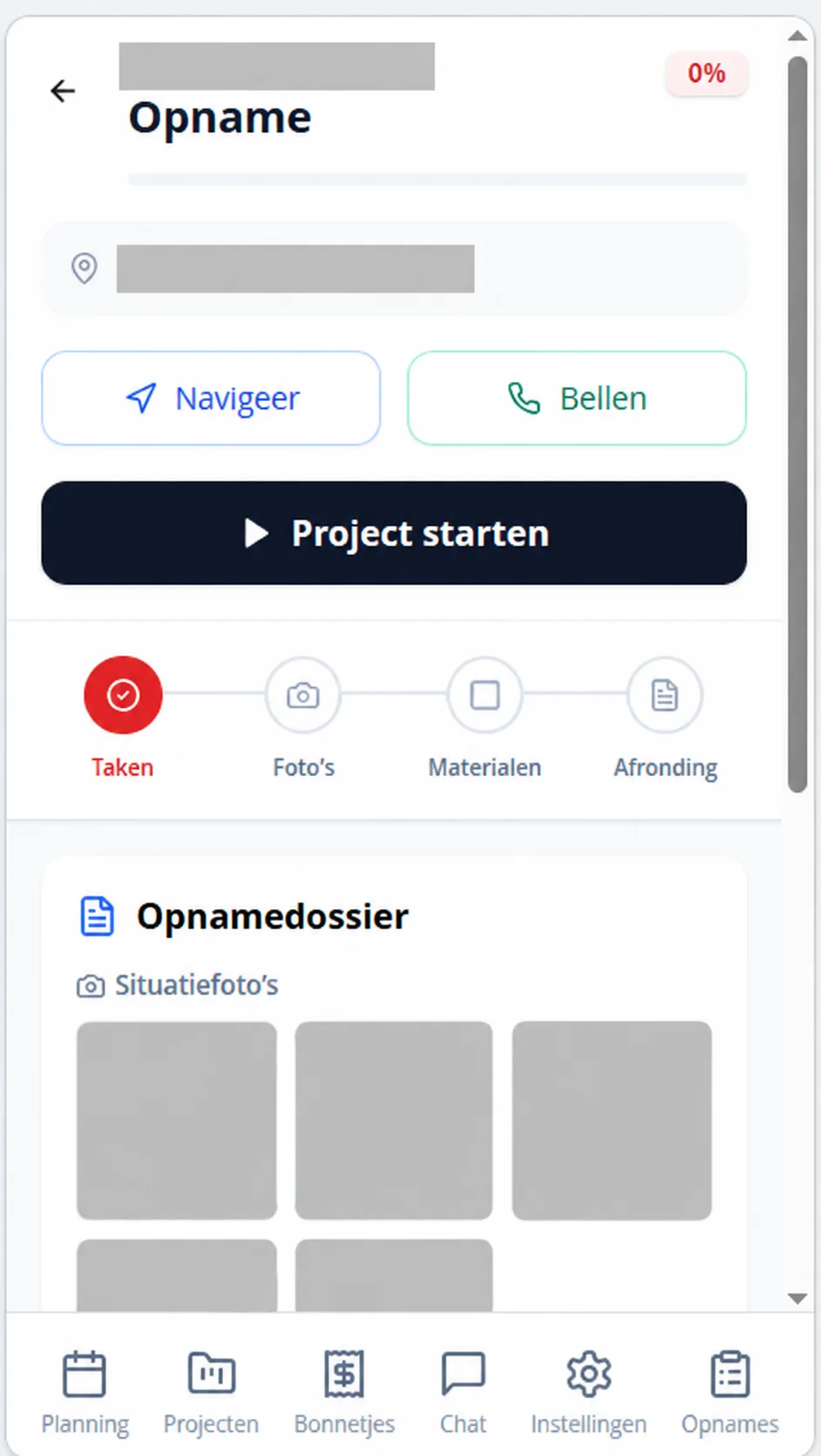
The survey file, project start and steps for tasks, photos, materials and completion on one screen. Customer details and private photos are obscured.
App screenshot edited for privacy.
Open full-size on-site survey screenshot (new tab) ↗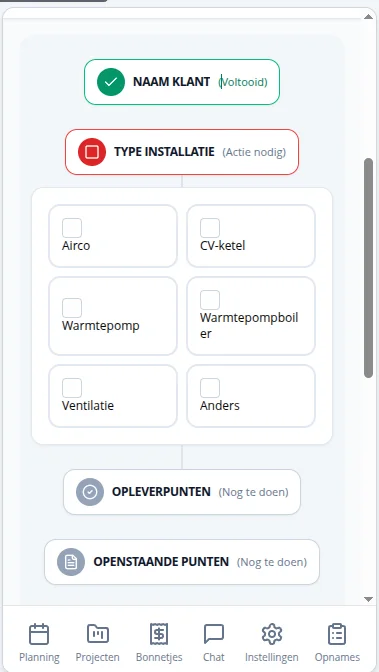
The work order follows a fixed journey. Here, the employee selects the installation type, from air conditioning or a boiler to a heat pump and ventilation.
Open full-size installation type screenshot (new tab) ↗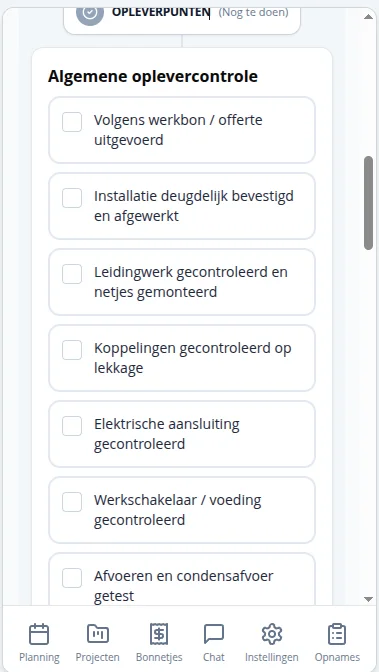
An execution checklist: mounting, pipework, leaks, electrical connection, power supply and drainage. It makes clear what needs checking.
Open full-size handover check screenshot (new tab) ↗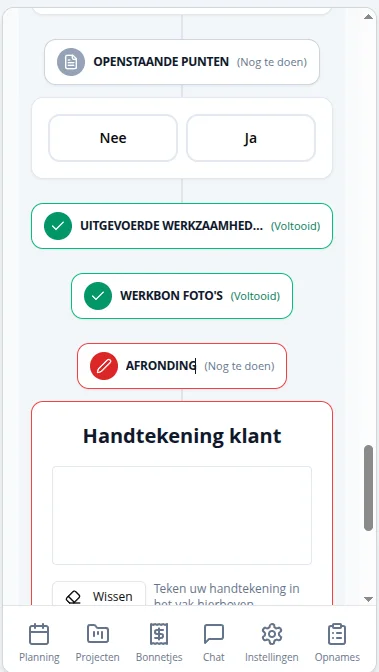
Outstanding items, work performed and work order photos come together at completion. The customer's signature field is there too.
Open full-size completion & signature screenshot (new tab) ↗A weekly view with project blocks, filters for surveys and installations, and a search field for appointments, projects or customers.
Open full-size mobile schedule screenshot (new tab) ↗05 · Facebook ads
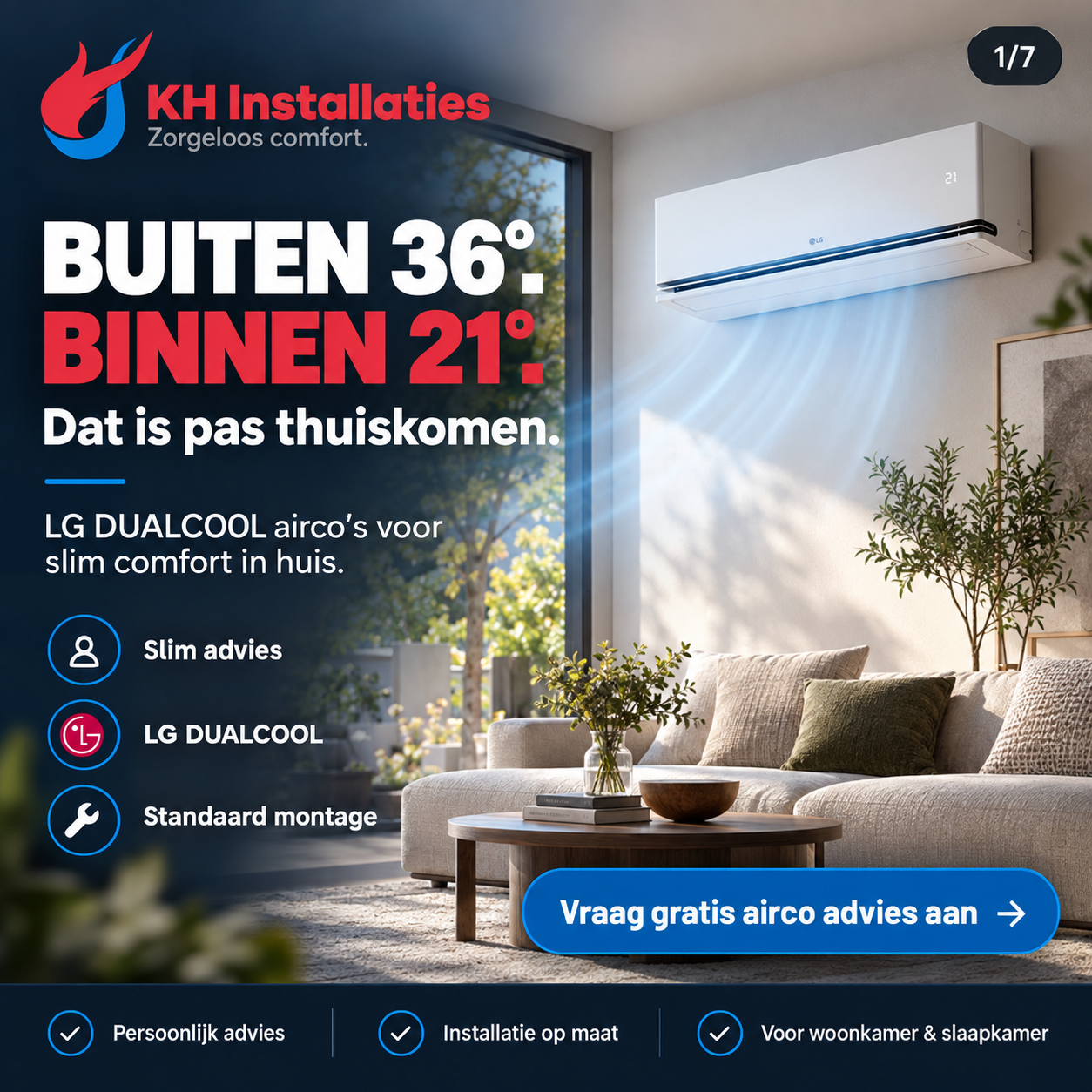
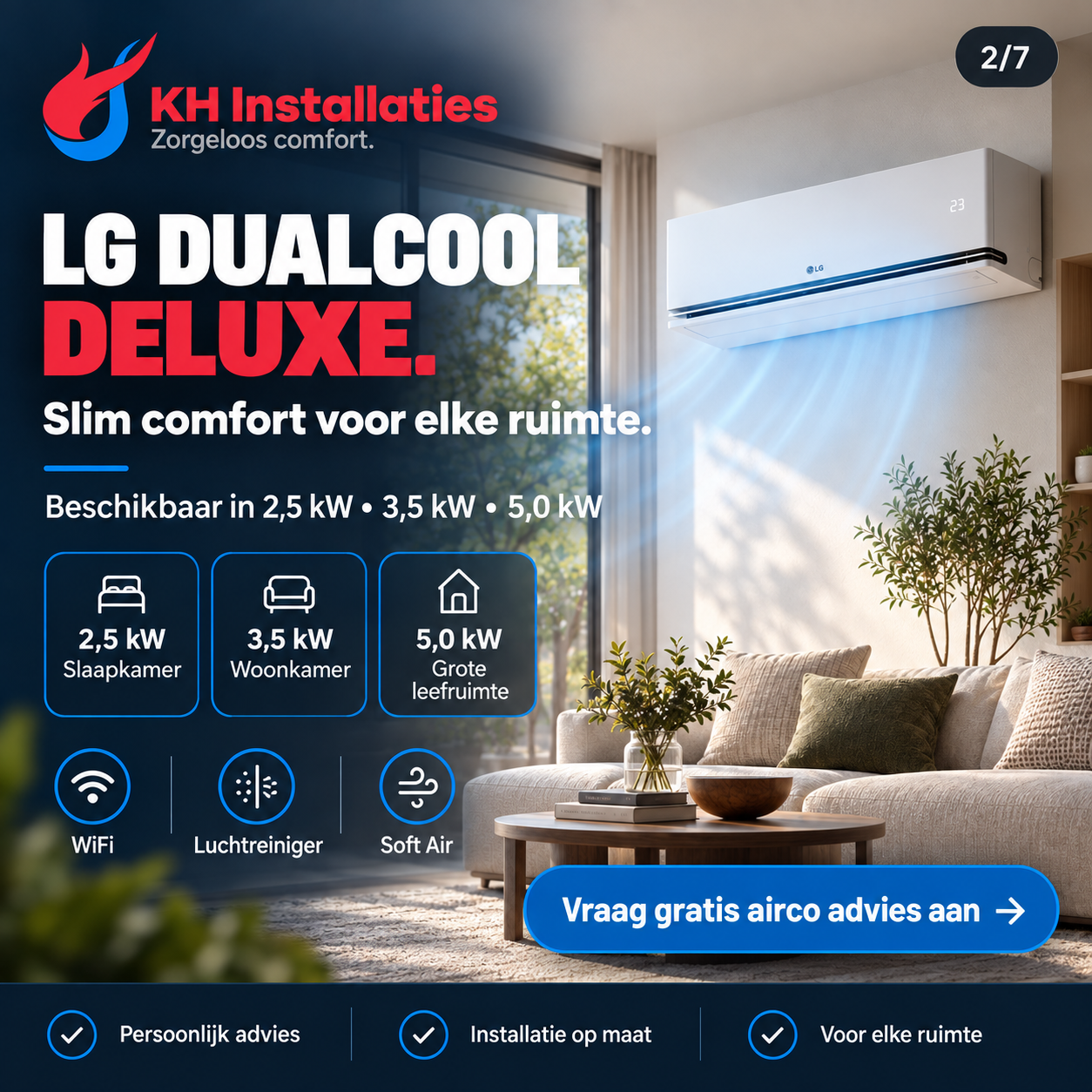
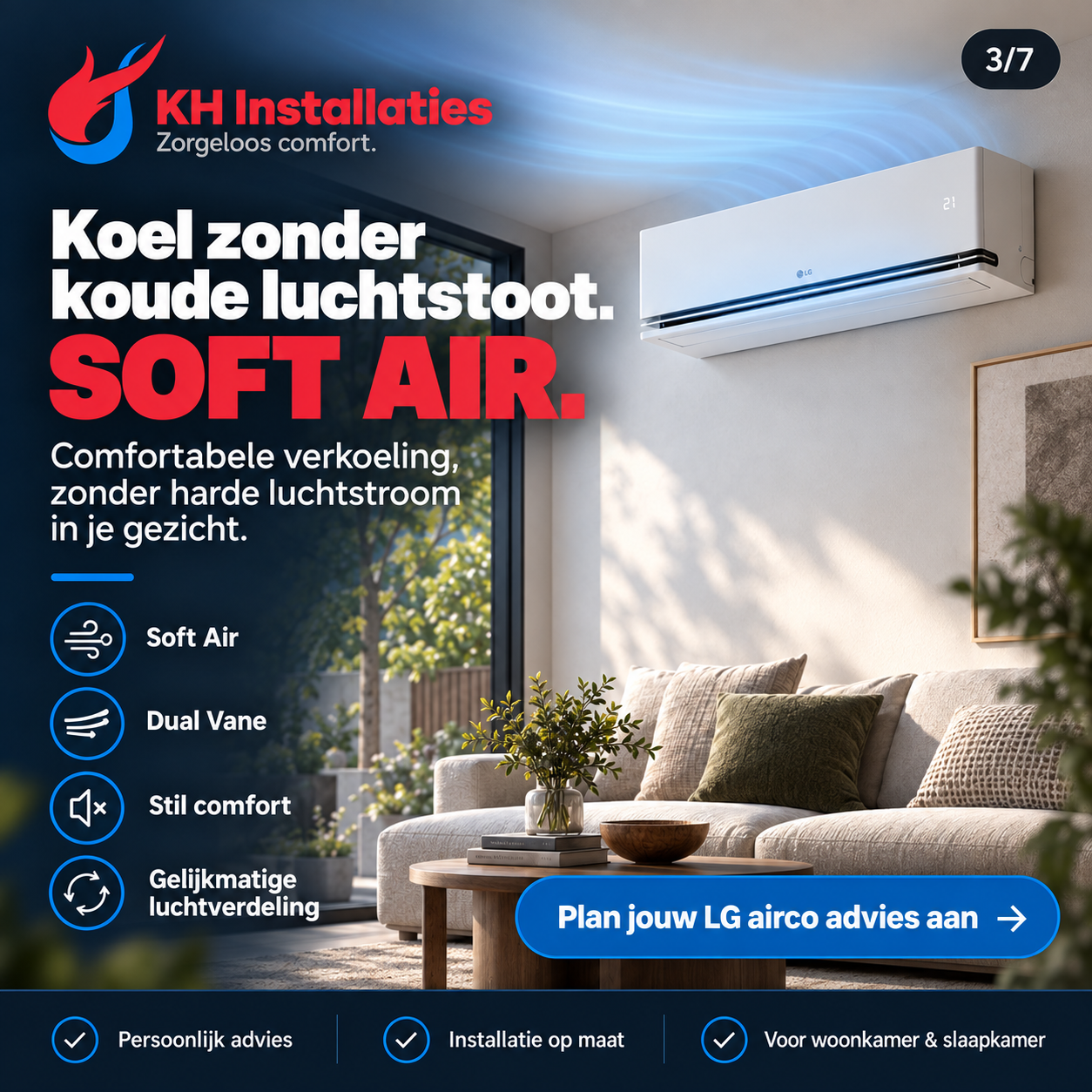
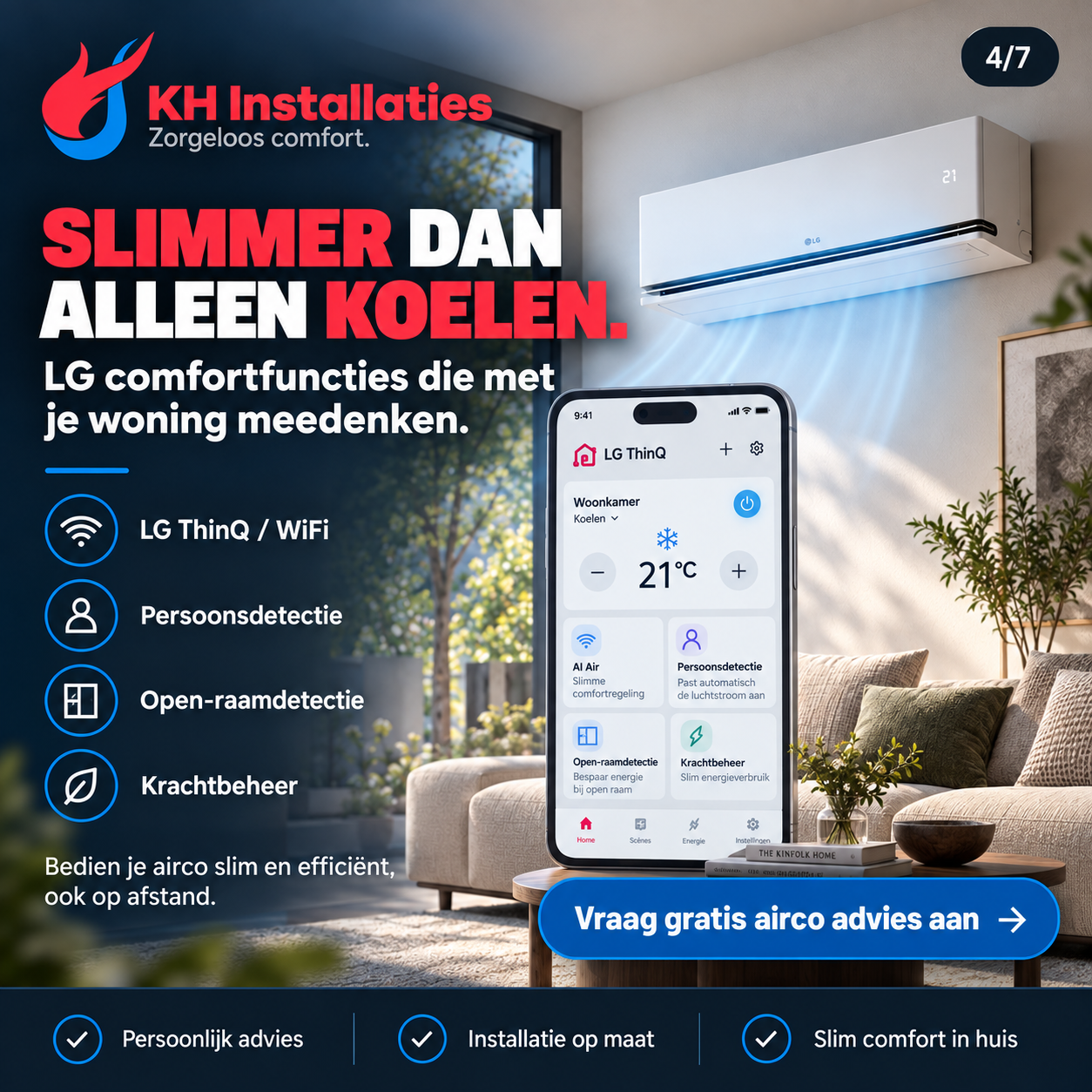
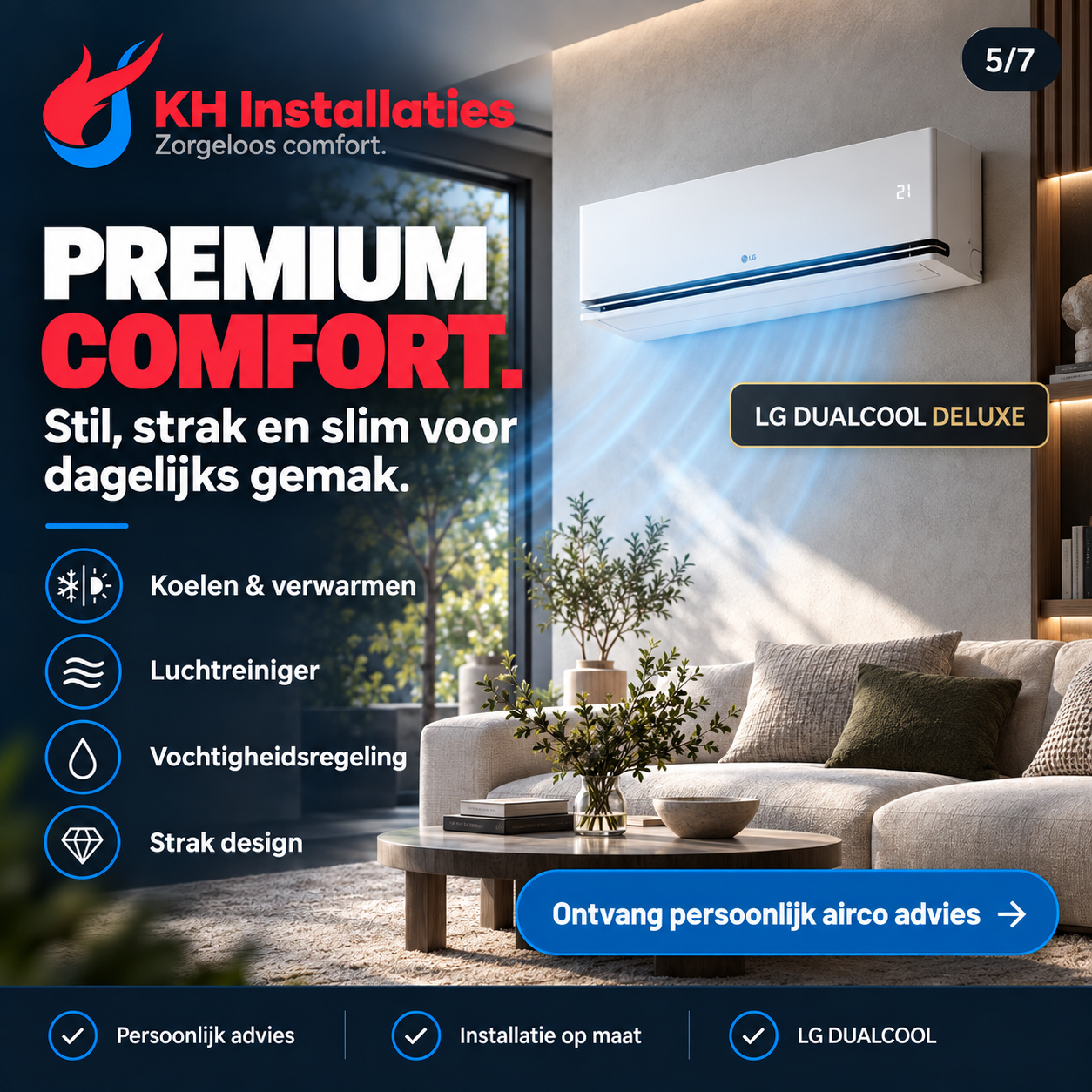
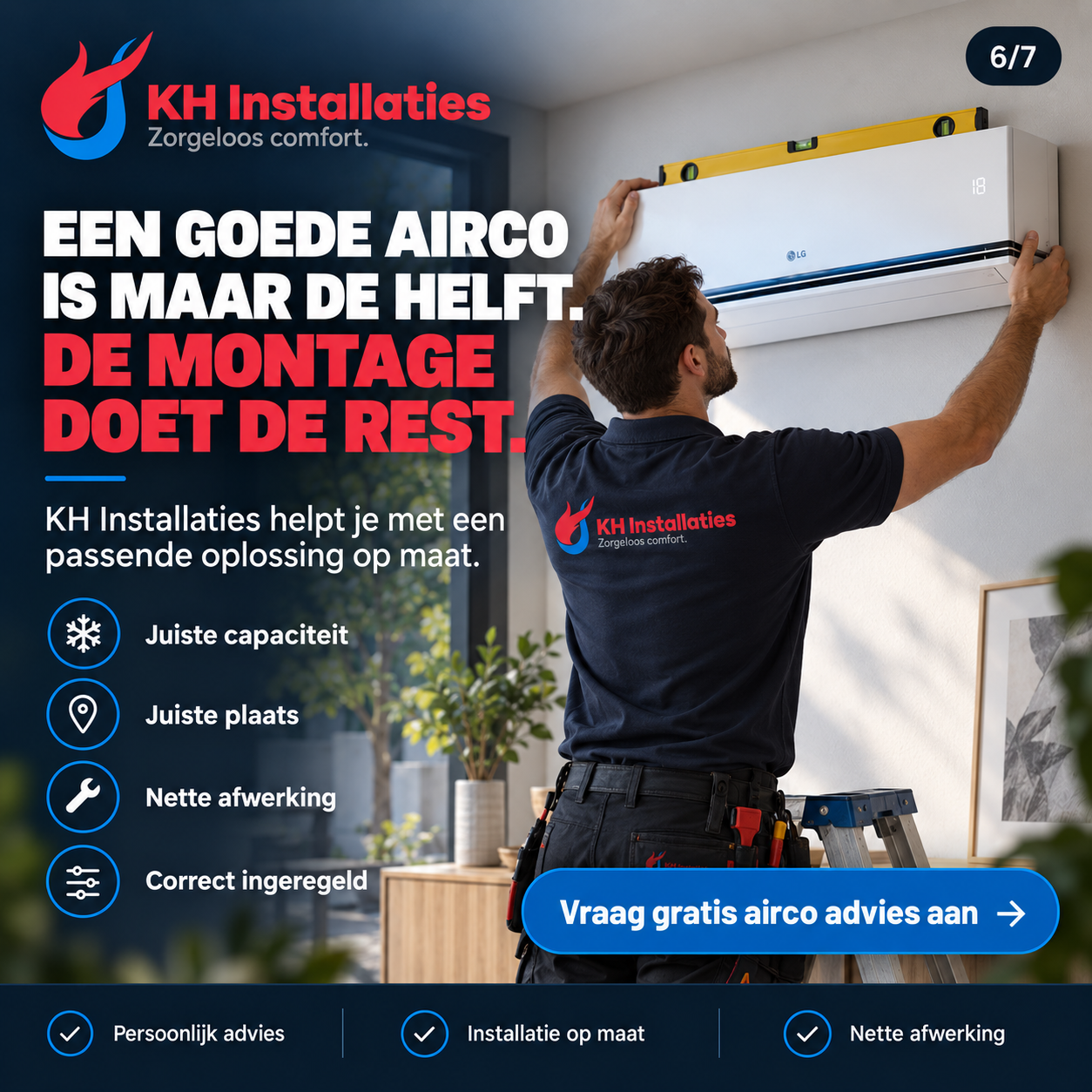
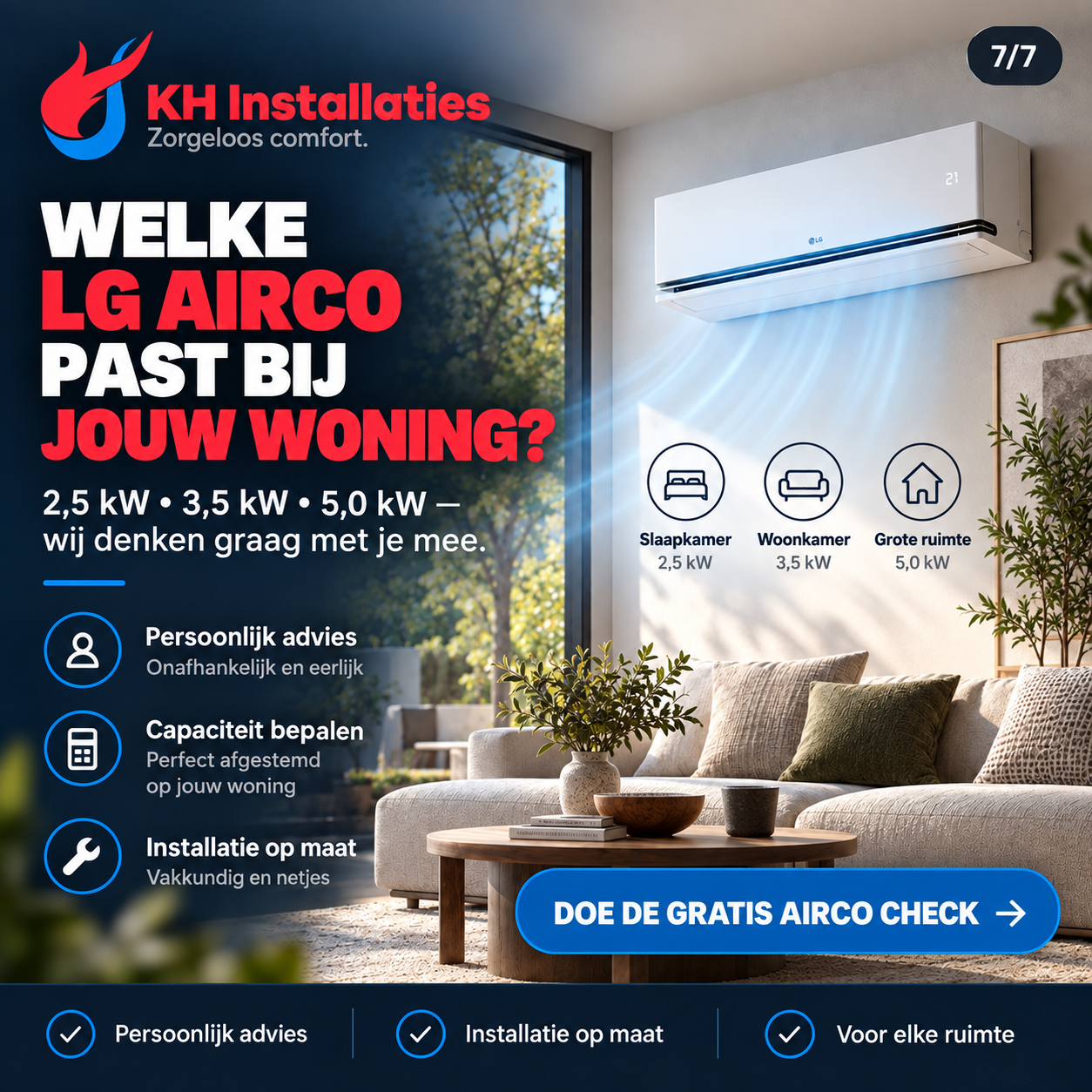
Two complete carousels: one for LG DUALCOOL and one for Mitsubishi Heavy. Each sequence moves from home comfort to product explanation, installation and a concrete request for advice.
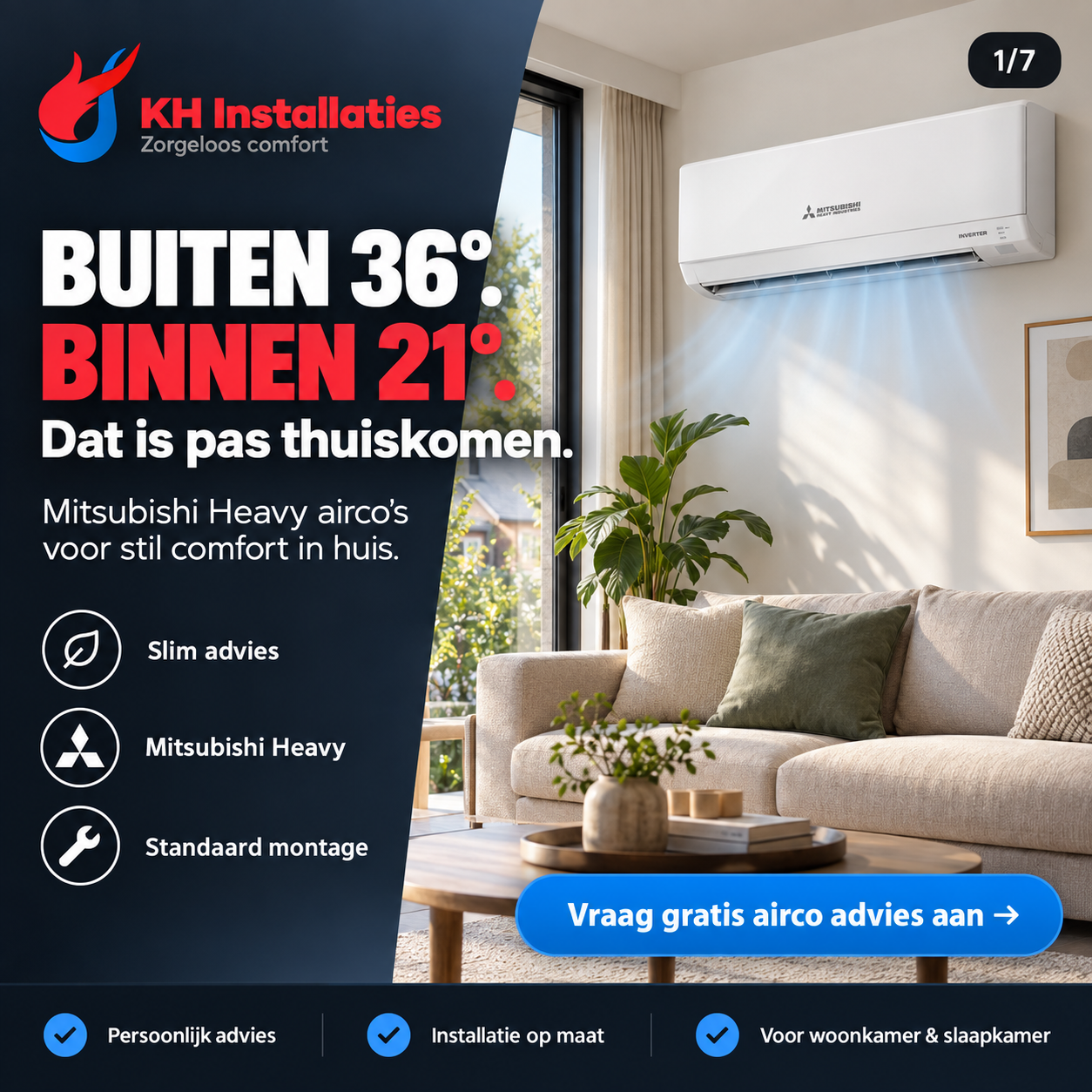
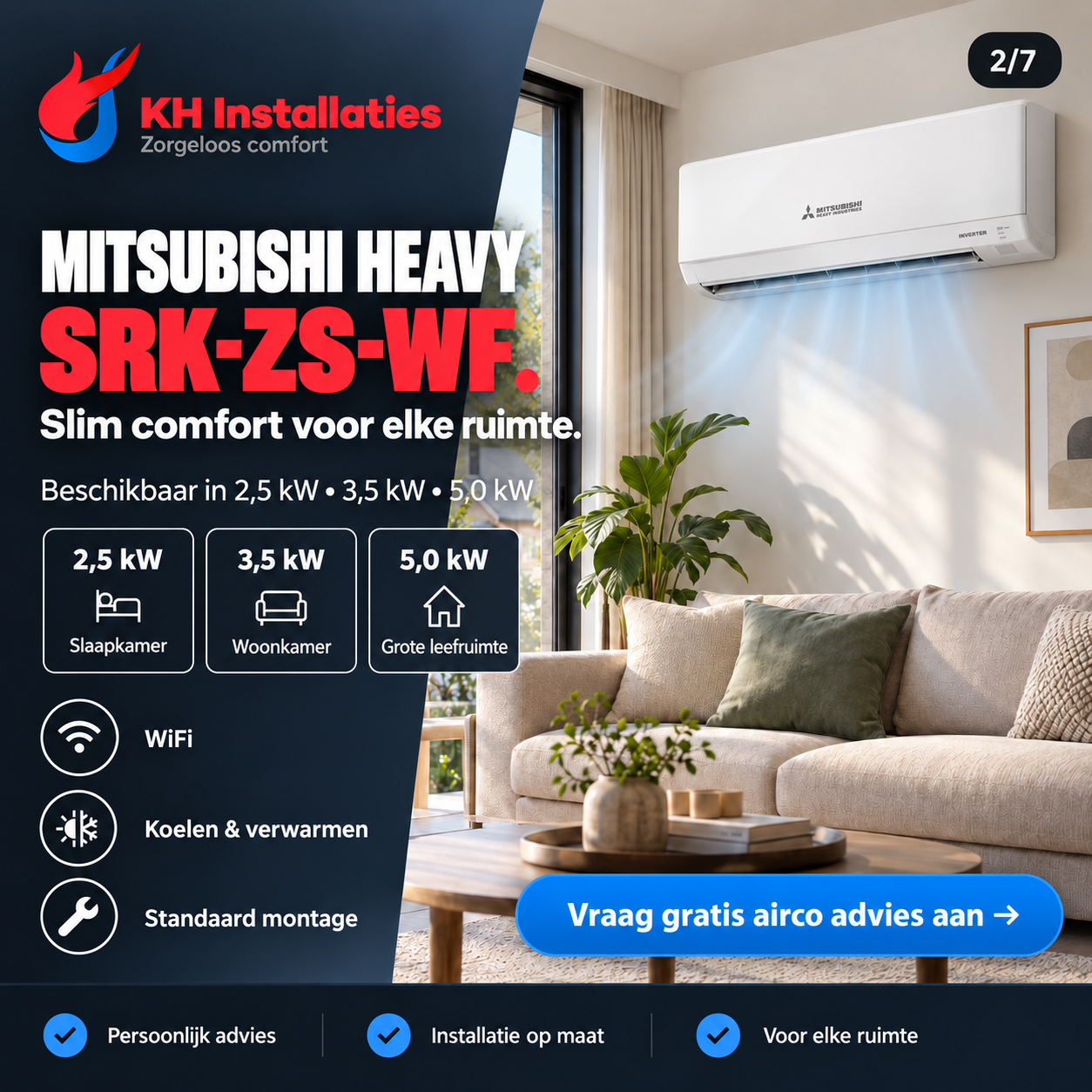
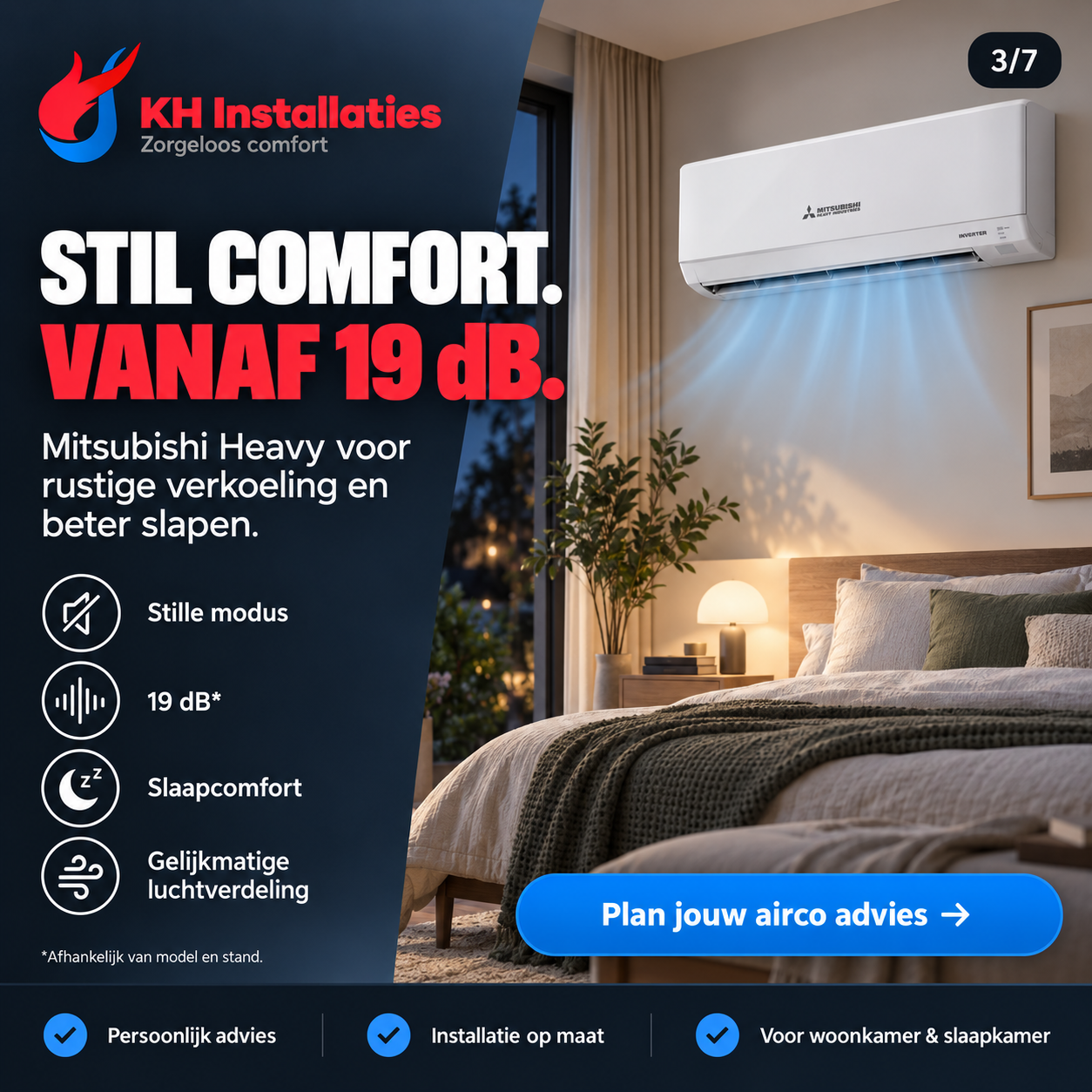
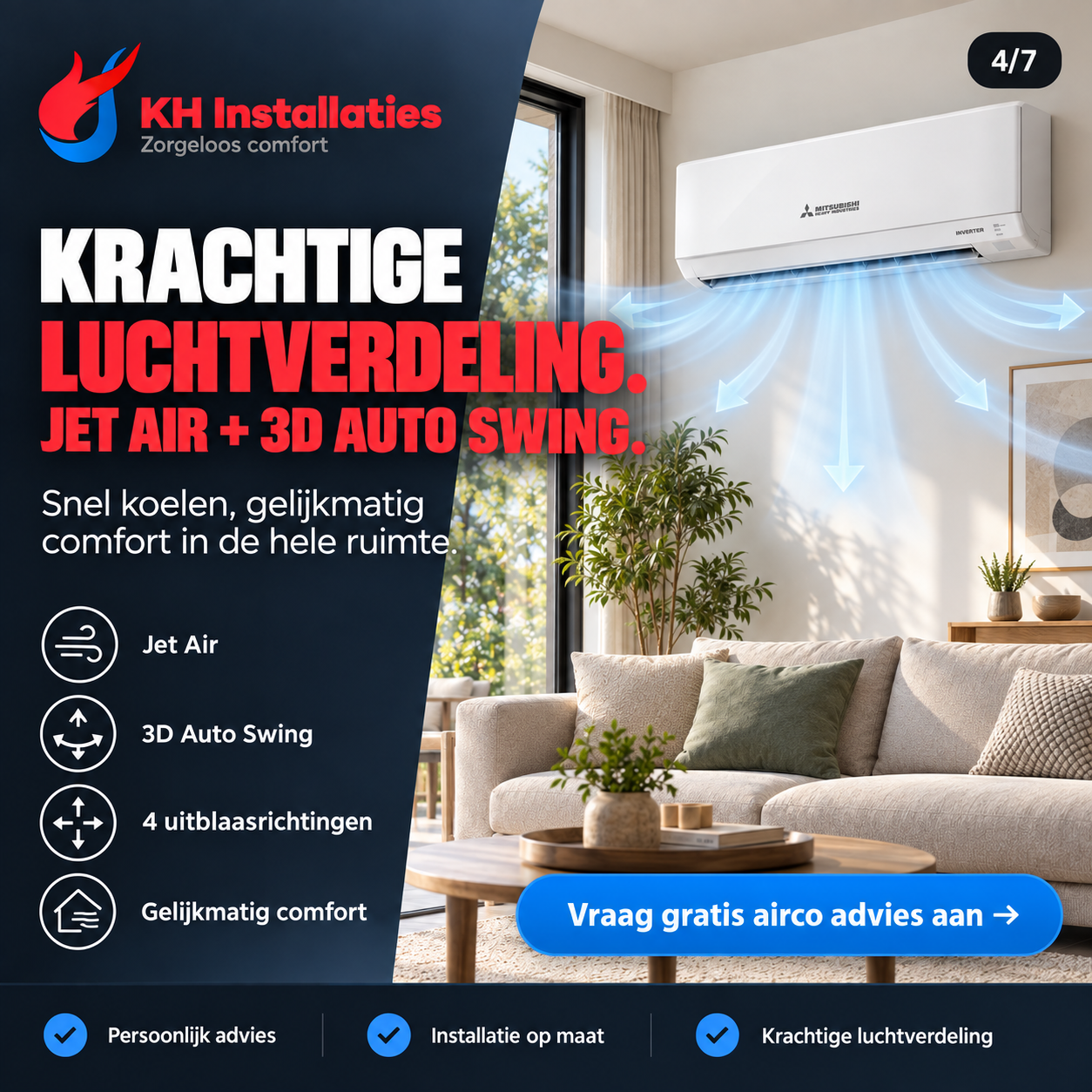
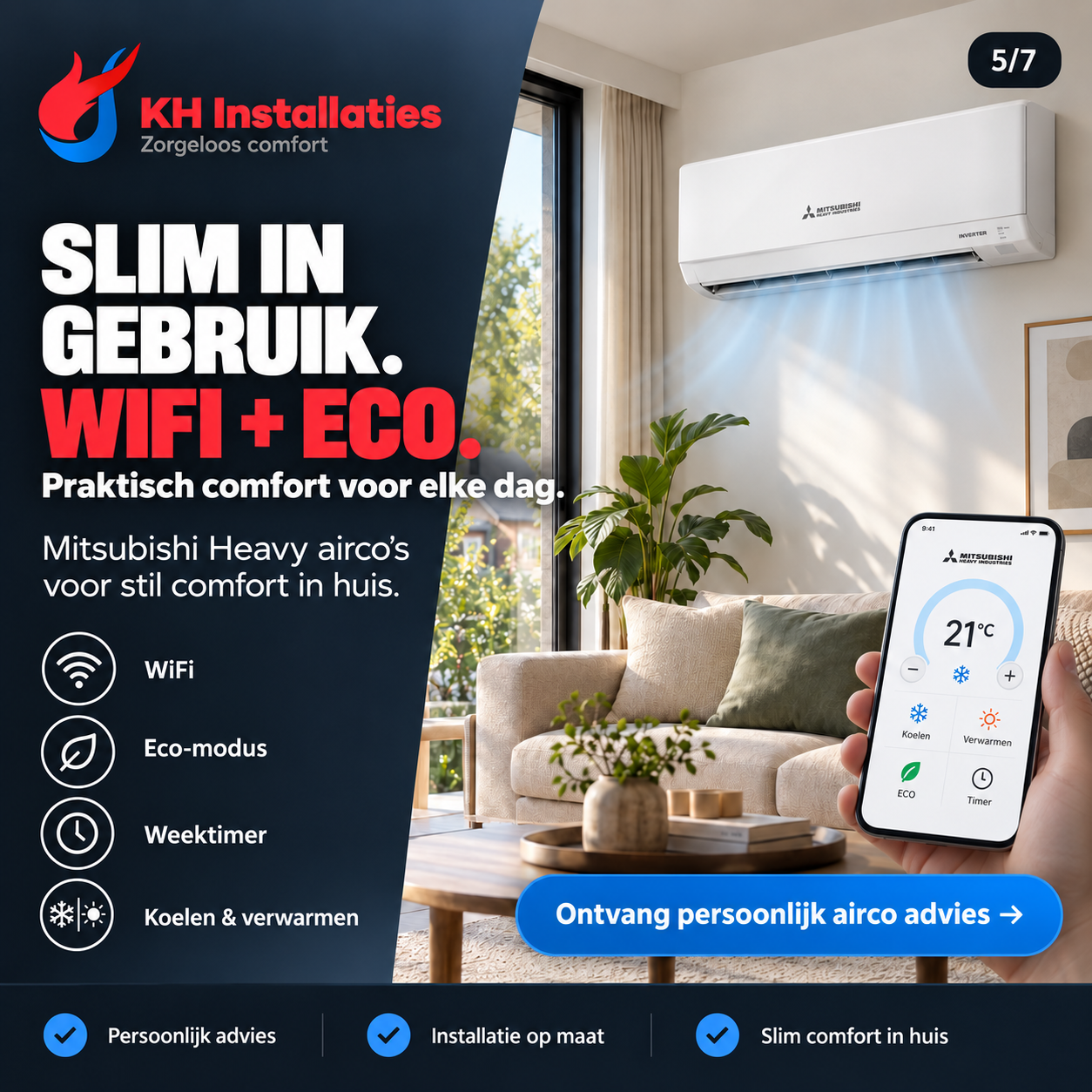
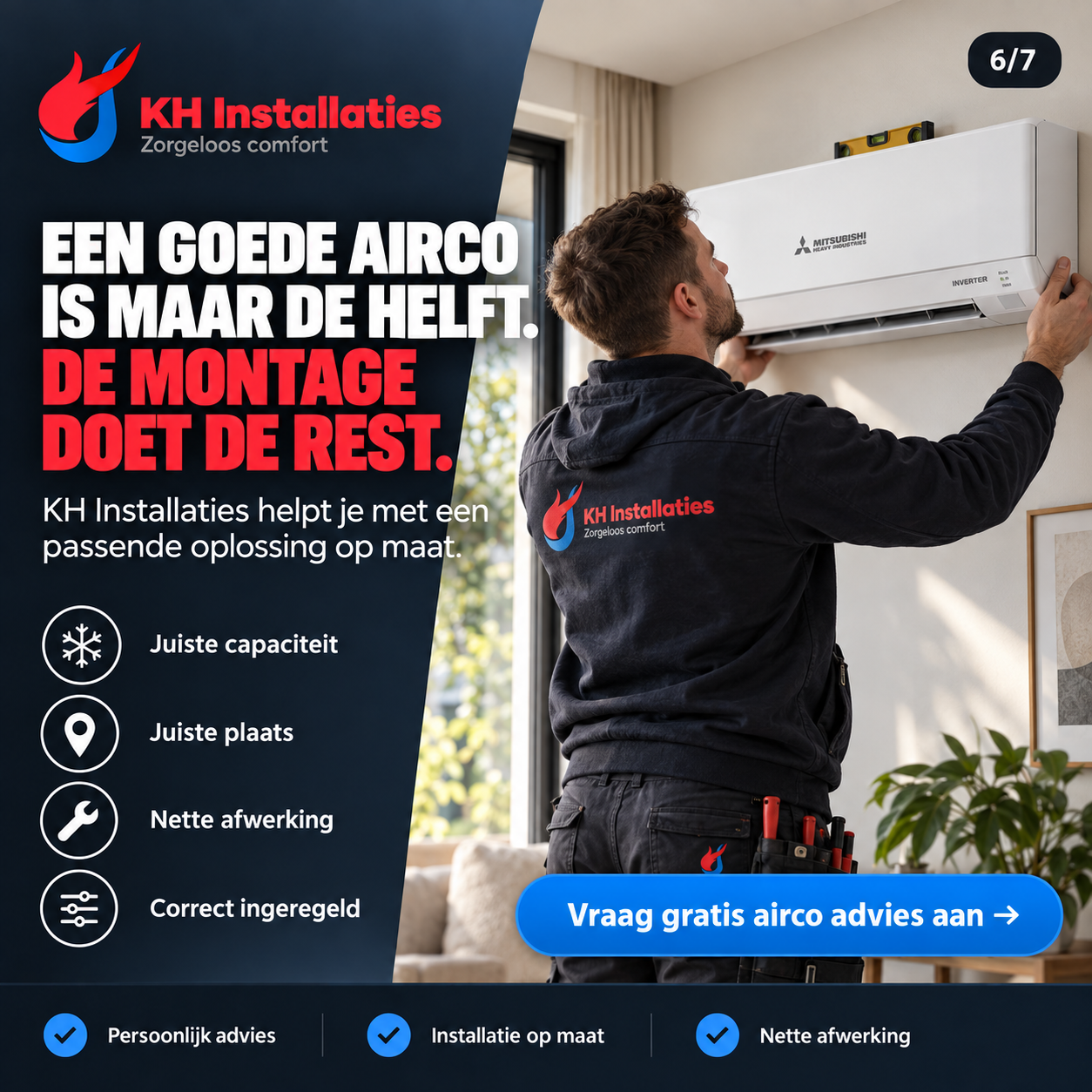
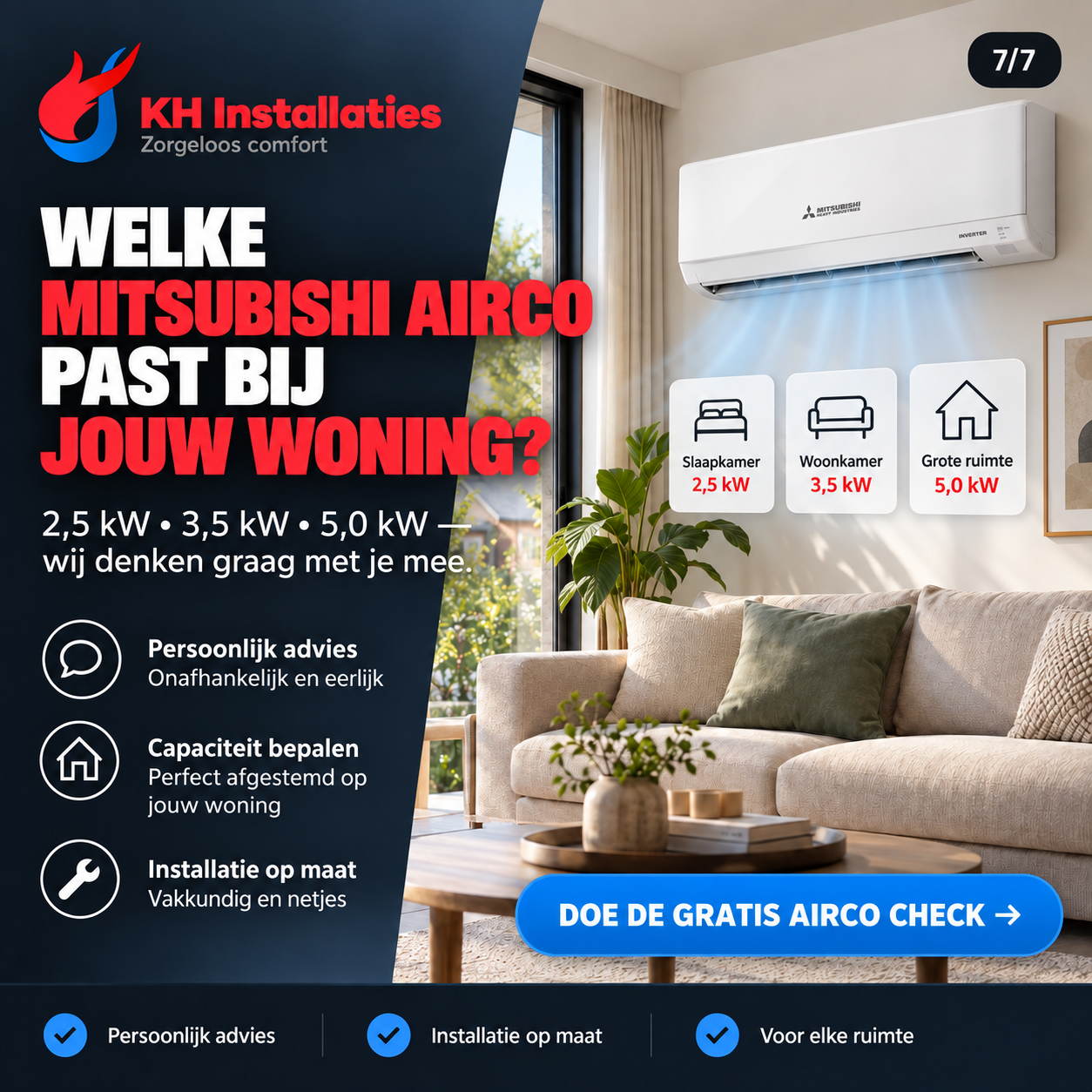
Portfolio of the supplied ad creatives. Product information, offers and conditions in the images belong to those designs. The account results below cannot be attributed individually to these fourteen images.
06 · Measured advertising results
The Meta screenshots show results at campaign, ad set and ad level. This selection presents counts and cost per result at campaign level.
| Campaign in the dashboard | Results | Cost per result | Spent |
|---|---|---|---|
| new campaignLeads (form) | 413 | €12,48 | €5.154,56 |
| 22/6 - KH AIRCO'S!Meta leads | 164 | €8,42 | €1.380,50 |
| BSM | Leadform | ABO | v1Leads | 537 | €21,80 | €11.708,15 |
| BSM - CV ketel | LeadformLeads (form) | 102 | €13,78 | €1.405,28 |
Historical snapshot, not a current campaign overview. Leads are recorded enquiries, not proven sales. Campaign, ad set and ad figures may include the same results and are therefore not added together. The figures alone say nothing about revenue or return on investment.
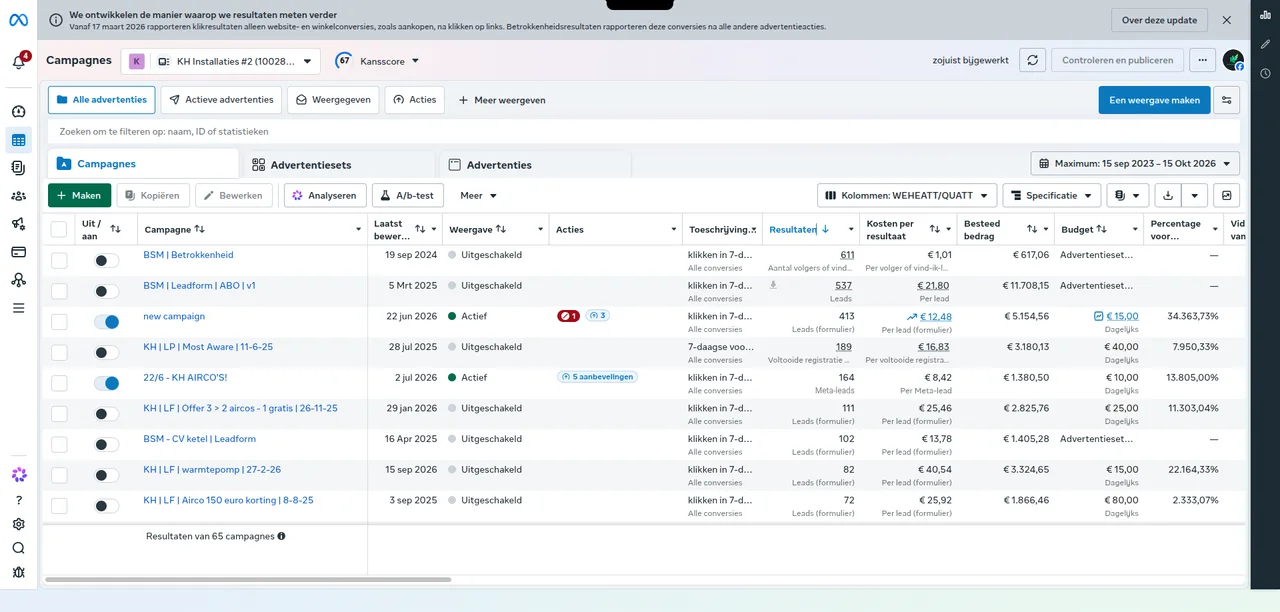
The full supplied view, including active and disabled campaigns at the time of capture.
Open full-size campaign overview (new tab) ↗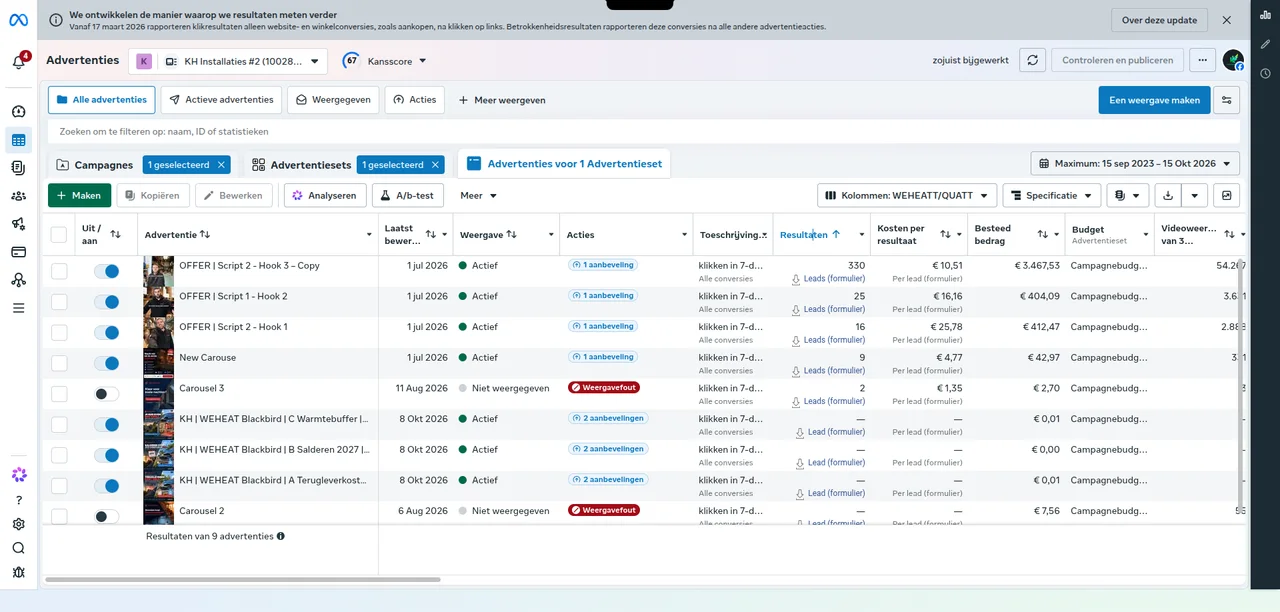
OFFER | Script 2 - Hook 3 – Copy shows 330 form leads, €10.51 per lead and €3,467.53 spent. This is part of the account, not an additional campaign total.
Open full-size ad results (new tab) ↗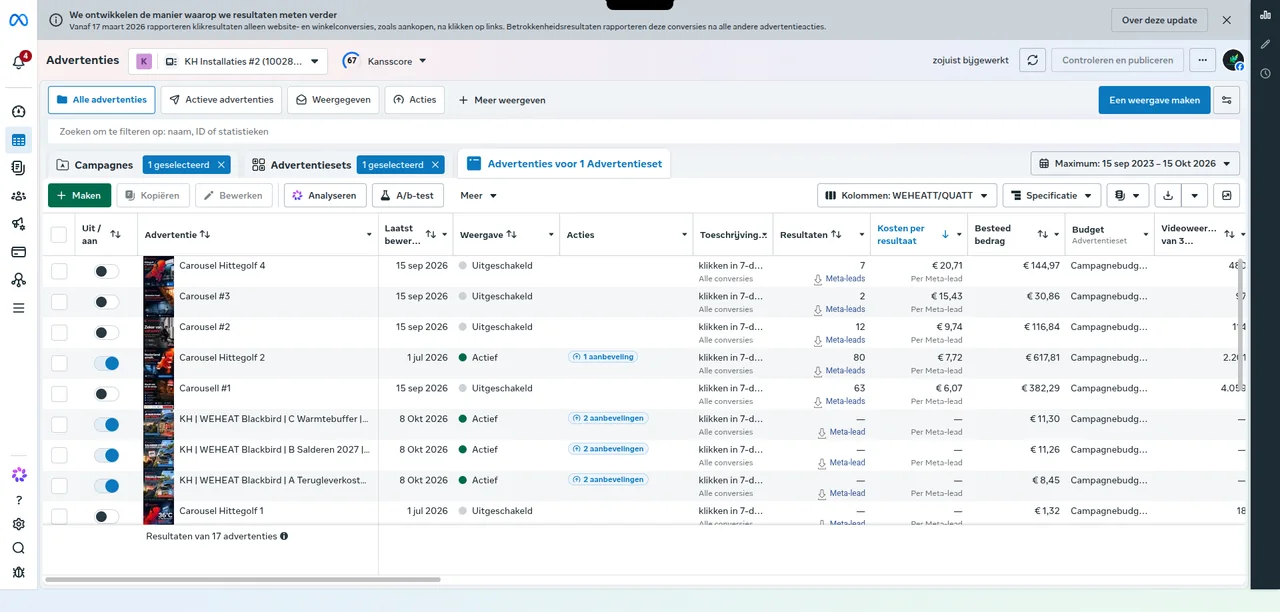
Carousel Hittegolf 2 shows 80 Meta leads at €7.72 per lead (€617.81 spent). Carousel #1 shows 63 Meta leads at €6.07 per lead (€382.29 spent).
Open full-size air conditioning ads (new tab) ↗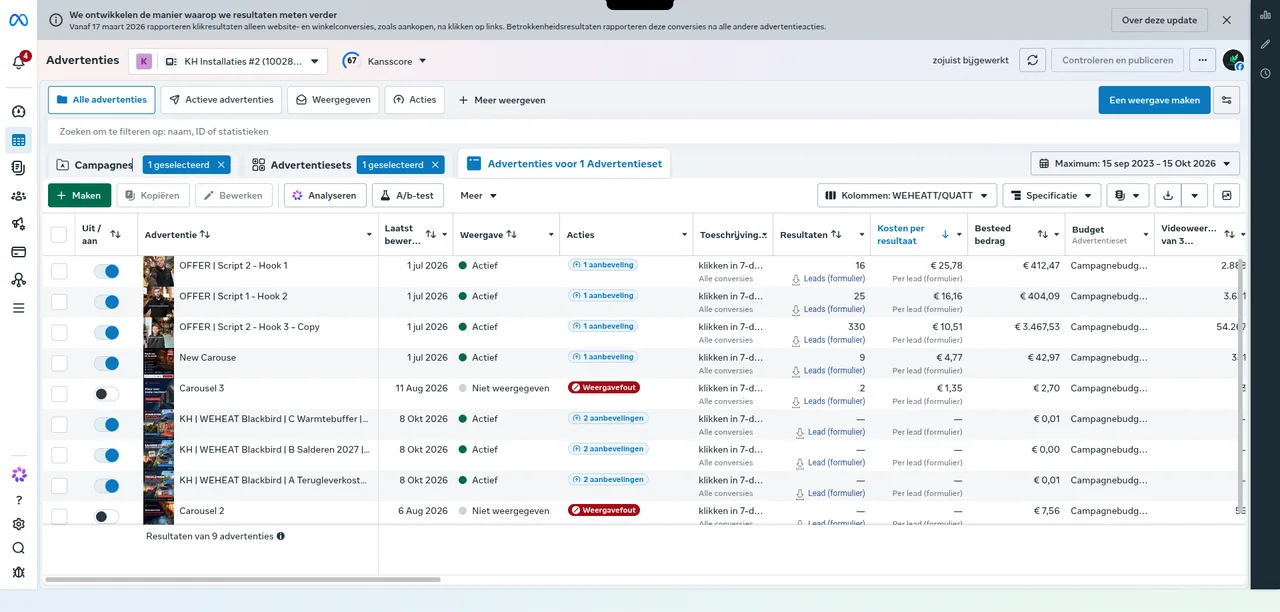
A different ordering of the same ads: 16 leads at €25.78, 25 at €16.16 and 330 at €10.51. These results are also included in the other ad screenshot.
Open full-size ads sorted by cost (new tab) ↗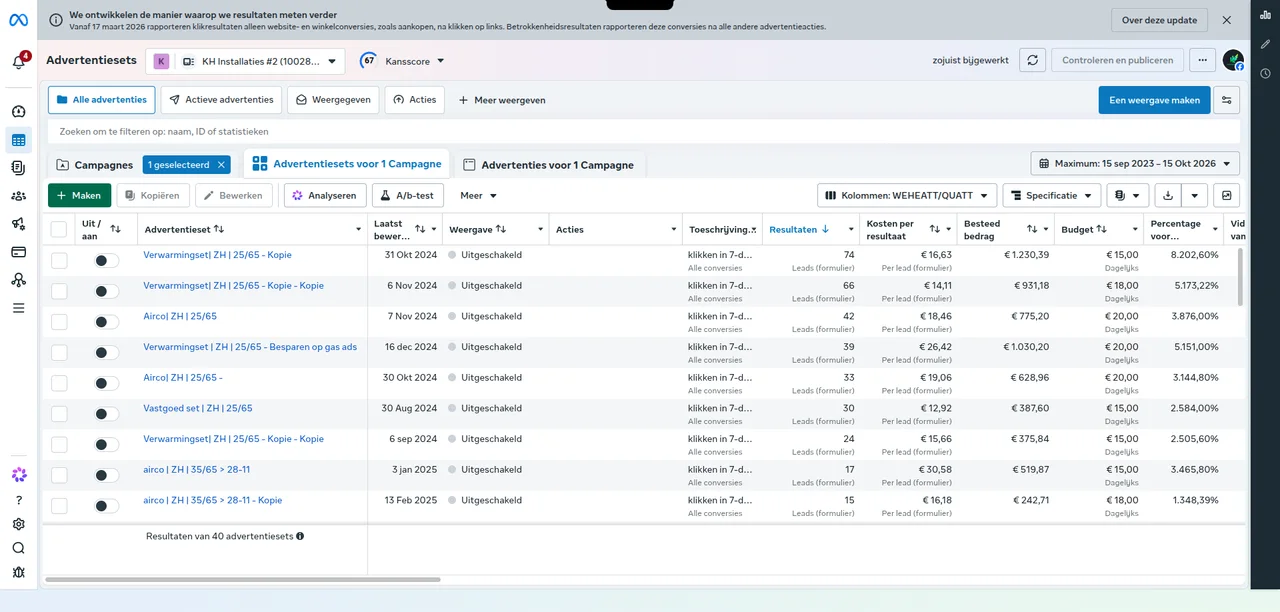
The first two visible heating sets show 74 form leads at €16.63 and 66 at €14.11 per lead. The first visible air conditioning set shows 42 leads at €18.46. These are historical sets within the broad date selection.
Open full-size historical ad sets (new tab) ↗From idea to implementation
A website, marketing and a custom system should fit the way you work. In an introduction, we map your question and the first logical step.
What you can take from this case
This case shows several components together: website, visibility, campaigns and enquiry management. Their connection is at least as relevant as each individual screen.
Visitors want to understand what the business does and whether the service fits their situation. Website content and campaign messaging support that exploration.
Information needs to be available for the next action. A clear status and responsibility help move an enquiry forward.
Information needs change when work starts. A useful setup considers the people who plan, carry out and follow up the work.
