

[SCREENS]SHIPPED INTERFACES · LIVE PREVIEWS
How the work actually looks.
Four shipped systems, rendered as they appear on the screen — not as a screenshot grid but as live-feeling app frames. Click the menu bar to feel the chrome.
Open live →[01]screen 01
macos-agent-os.jasonmohabali.nlmacos-agent-os.jasonmohabali.nl
01 / 4
AgentOS
FileEditViewWindowHelp
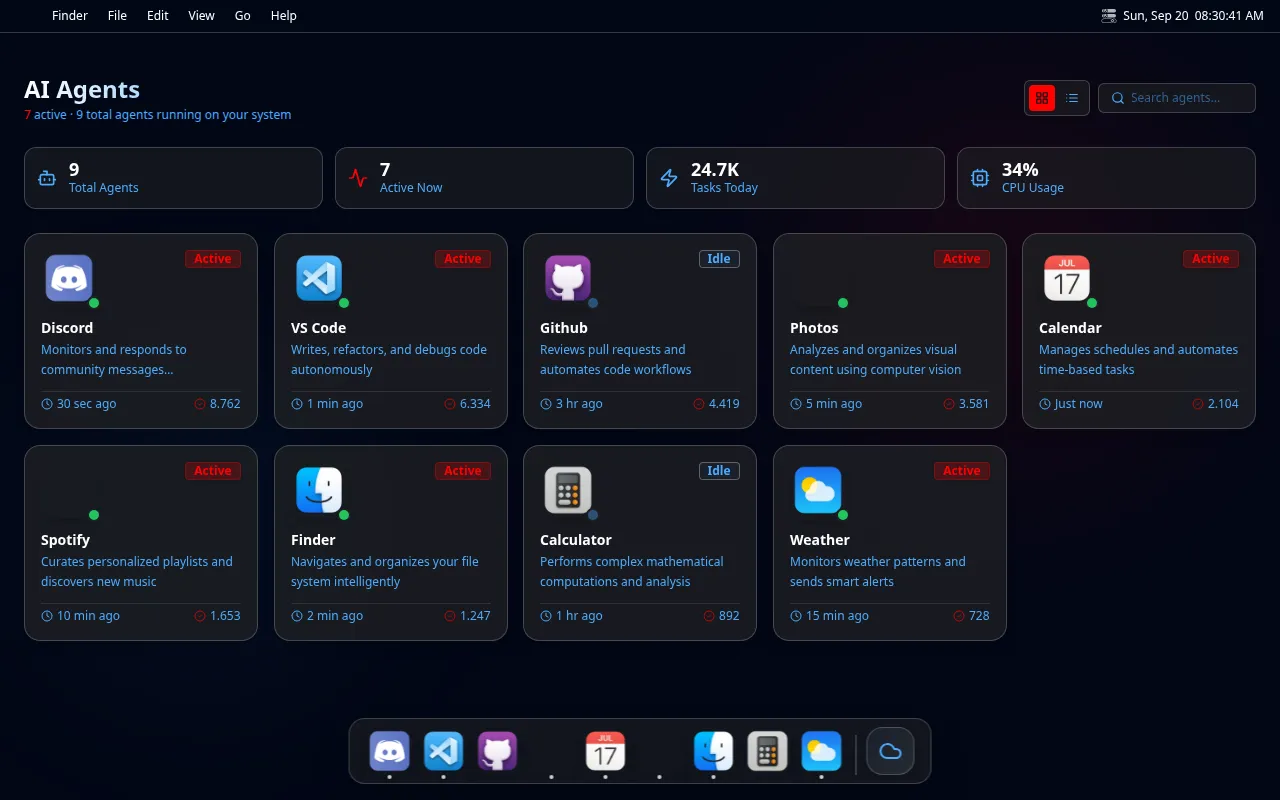
Macos Agent Os
An agent OS that runs in your menu bar.
[02]screen 02
erp-simulator.jasonmohabali.nlerp-simulator.jasonmohabali.nl
02 / 4
FlowState
FileEditViewWindowHelp

Erp Simulator
ERP without the noise. Live order flow.
[03]screen 03
peppolflow.nlpeppolflow.nl
03 / 4
Peppolflow
FileEditViewWindowHelp
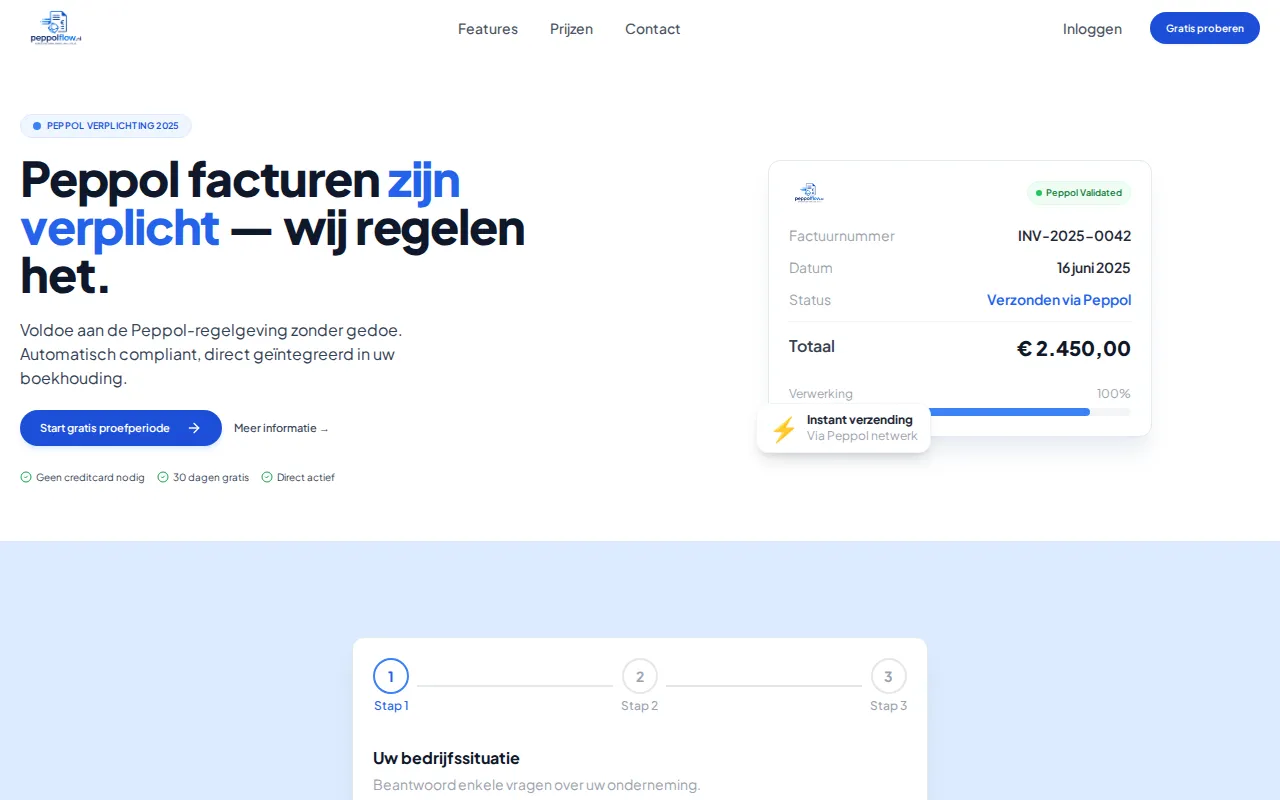
Peppolflow
Peppol / e-invoicing, done right.
[04]screen 04
autopilotblogs.jasonmohabali.nlautopilotblogs.jasonmohabali.nl
04 / 4
AutoPilot
FileEditViewWindowHelp

AutoPilot Blogs
AI blogs that publish themselves.
/ 01
MacOS chrome
Each screen wears an authentic menu bar with live clock, working dropdowns, and the AI Dimensie cyan accent on hover.
/ 02
Real artifacts
No placeholder lorem. The mockups inside the frames are the actual homepages — captured at 1280×800.
/ 03
One screen per category
Agent OS, ERP, SaaS, design tool — four distinct surfaces from the portfolio, each landing in its own scroll peak.
4 screens shown//All four are running production traffic.